7 Email KPIs You Can Actually Measure With Email Tracking
The email metrics that matter, and how Mail Track for Gmail lets you see open rates, open counts, exact timestamps, and the best time to send.
Good email decisions come from data, not guesswork. The catch: most KPIs are useless if you cannot actually see what happens after you hit send. Here are the metrics that matter for any email campaign, and how Mail Track for Gmail surfaces each one on every email you send, for free.
Open rate
What it is: the percentage of sent emails that get opened. Send 50, get 20 opens, and your open rate is 40%. It is the first signal that your subject line and sender name are working.
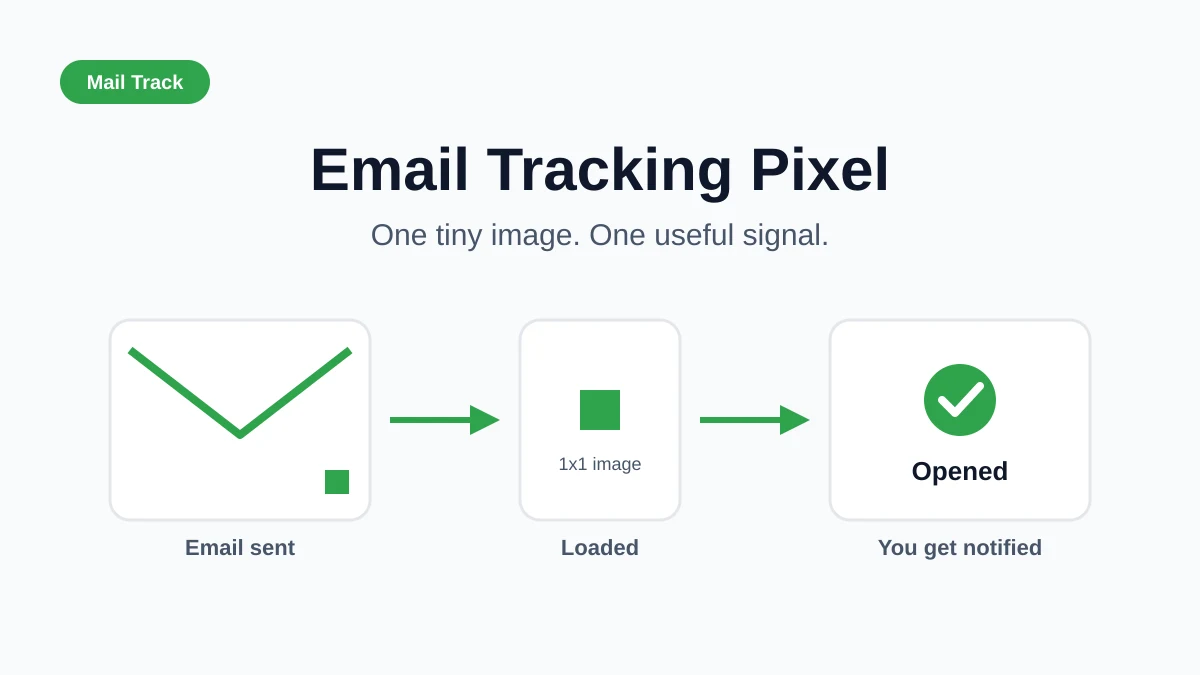
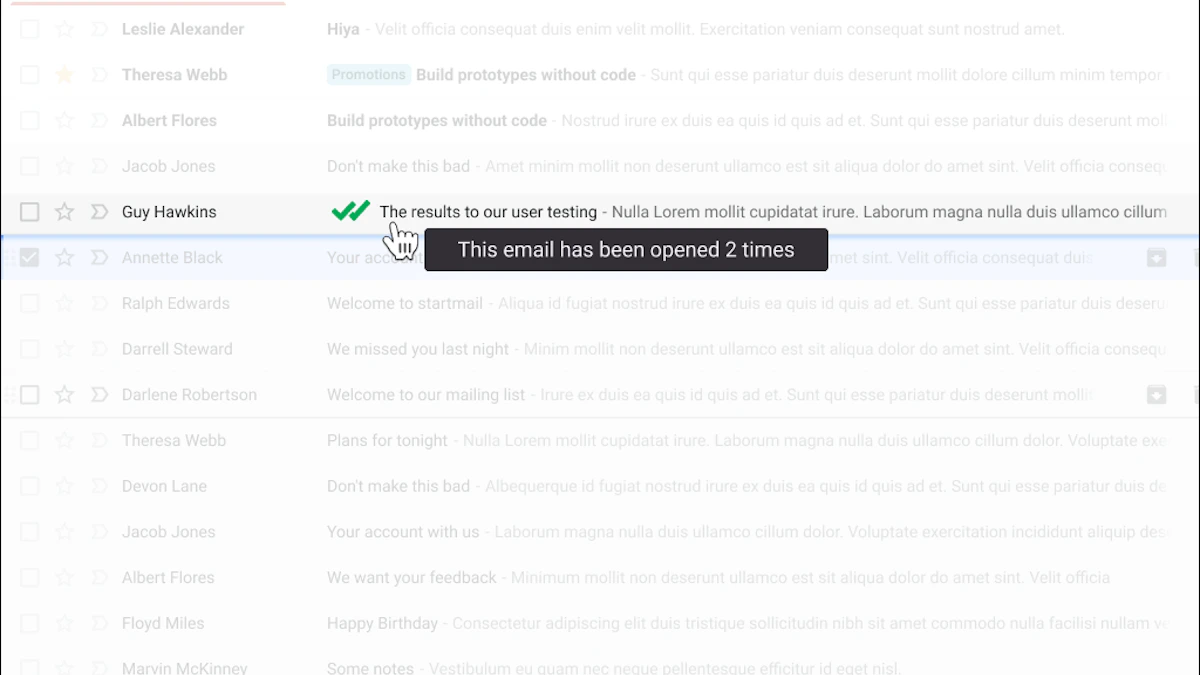
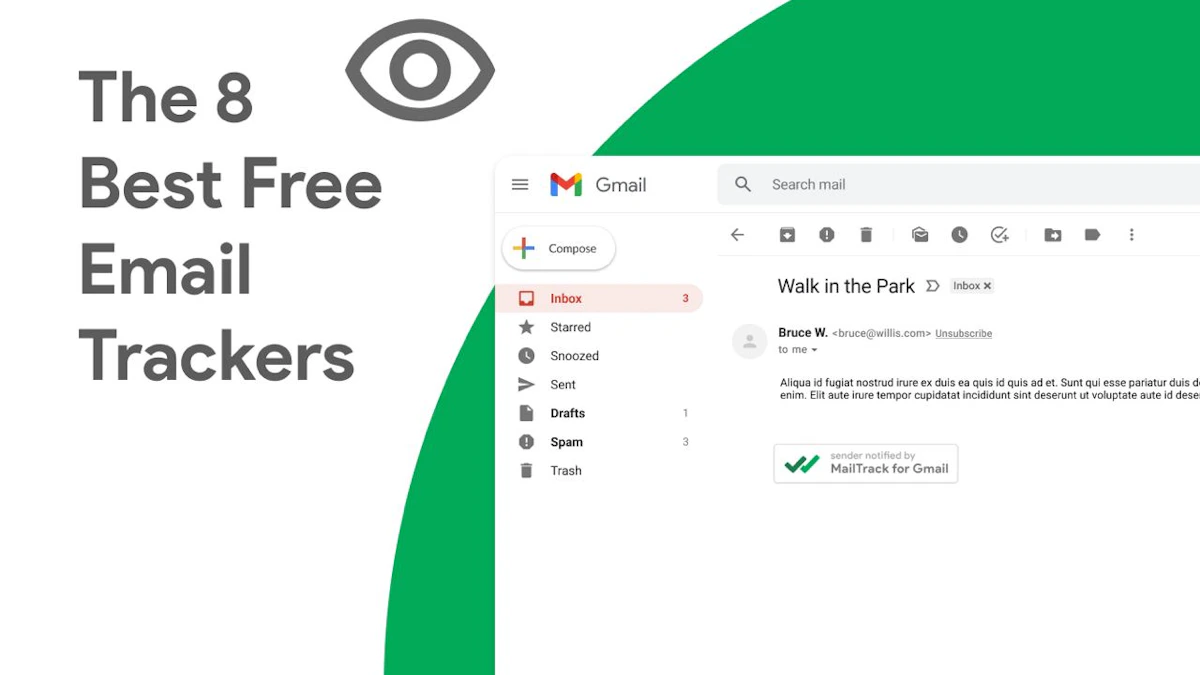
How Mail Track helps: every tracked email gets a real-time read receipt the moment it is opened, so you can calculate open rate across a batch without a marketing platform.
Open count per email
What it is: how many times a single recipient reopened your message. One open is interest. Five opens often means they are deciding, forwarding, or showing a colleague.
How Mail Track helps: it logs every open with a running count, so you can spot your warmest leads and prioritize them.
Time to open
What it is: how long after sending the email was first opened. It tells you when your audience is actually at their inbox.
How Mail Track helps: each open carries a timestamp, so you can see whether people read you in minutes or days, and adjust expectations on follow-up timing.
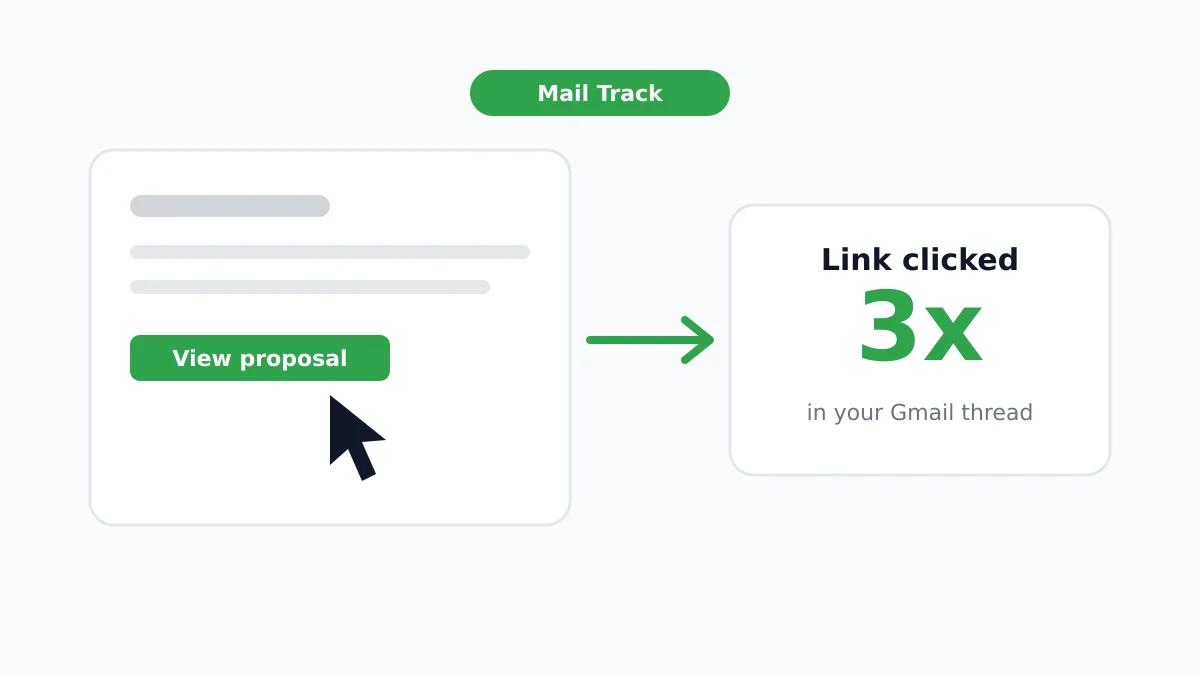
Link click-through rate
What it is: the percentage of opens that turned into a click on a link inside your email. Opens show attention. Clicks show intent.
How Mail Track helps: it tells you exactly when each email was opened, so you can line those opens up against your landing-page analytics and see which reads turned into visits.
Reply rate
What it is: the share of recipients who wrote back. For sales and outreach, this is the metric closest to revenue.
How Mail Track helps: by surfacing who opened and reopened without replying, it shows you exactly who is worth a nudge.
Follow-up rate
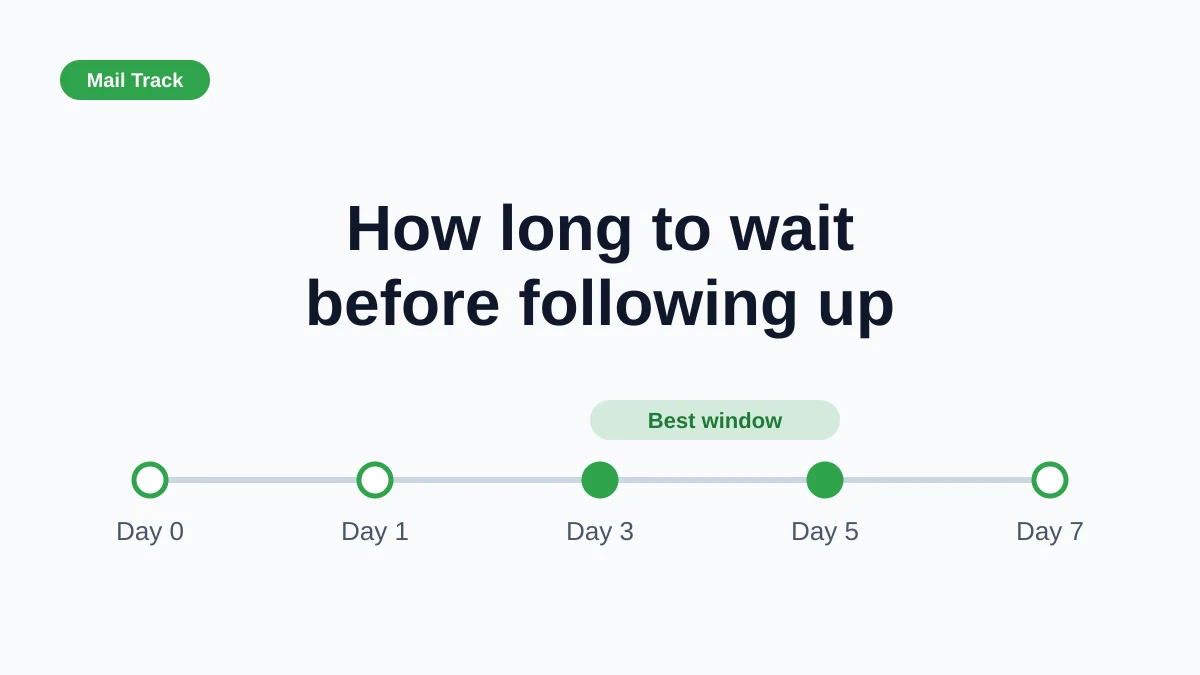
What it is: how consistently you follow up after the first send. Most deals close on a later touch, not the first email.
How Mail Track helps: open counts and timestamps tell you who went quiet after reading, so your follow-ups land on the right people at the right moment.
Best send time
What it is: the window when your emails get opened fastest. Sending into a quiet inbox wastes a good message.
How Mail Track helps: patterns in your open timestamps reveal when your audience reads, so you can schedule sends for peak attention.
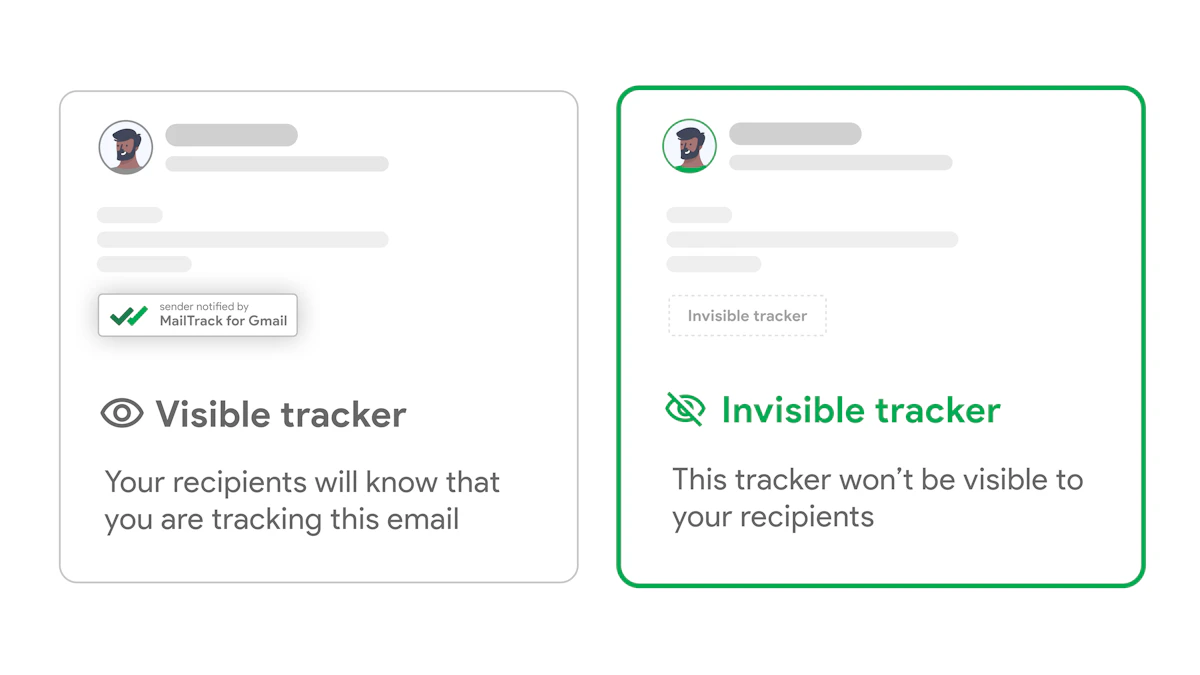
You cannot improve what you cannot see. Mail Track gives you 1:1 read receipts on any Gmail account: open counts, exact timestamps, and real-time notifications, with a visible or invisible tracker and full GDPR compliance. It is free for unlimited tracked emails, and Premium is $5.99/mo (or $2.99/mo billed yearly).



Start measuring what matters. Add Mail Track to Gmail.
Ready to track your emails?
Add Mail Track for Gmail from the Google Workspace Marketplace and know the moment your emails are opened. Free and unlimited.
Add to GmailMore reading
More from Tips
Unlocking Email Tracking With Mail Track for Gmail: Expert Tips for Effective Usage
Go beyond open alerts. Expert tips to use Mail Track for Gmail timestamps, repeat opens, and notifications to follow up at the perfect moment.
How Email Trackers Improve Personal Communication
Read receipts take the guesswork out of email. Here is how knowing when your messages land makes everyday personal and professional communication calmer and clearer.
The Most Common Email Marketing Mistakes (and How Tracking Fixes Them)
The everyday email mistakes that kill your replies, from never following up to ignoring opens, and how Mail Track for Gmail helps you fix each one.