
Can You Tell if Someone Forwarded Your Email? What Senders Can See
Can you tell if someone forwarded your email? No mail service notifies the sender, but open counts and timing give clues. What Gmail, Outlook and trackers show.
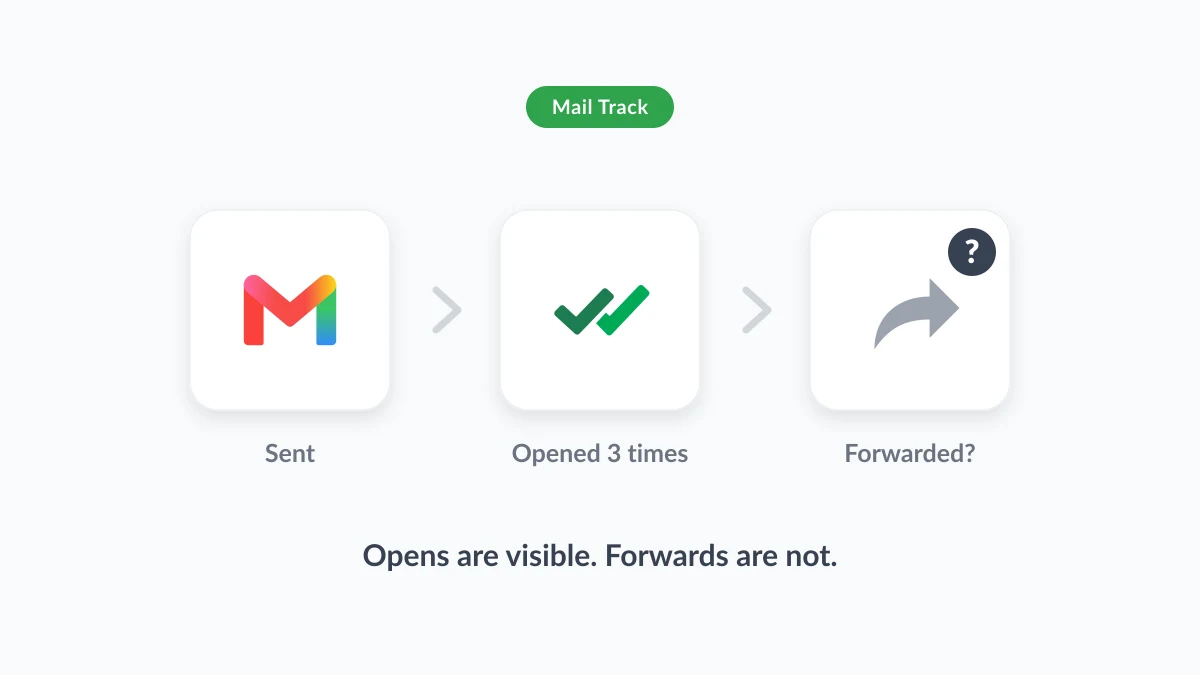
You sent a proposal to one person on Tuesday. By Thursday the thread shows five opens, and you start to wonder who else is reading it. So, can you tell if someone forwarded your email? The direct answer is no. No mainstream mail service, Gmail included, tells a sender that a message was forwarded, and nothing in the email standards makes it happen. What you can see is narrower and still useful: whether the message was opened, how many times, and when.
This guide explains why there is no forwarding notification, what open tracking can and cannot reveal about a forward, how the question looks from the recipient’s side, and how to stop forwarding before it happens. The open signals come from Mail Track for Gmail, a Chrome extension and Google Workspace add-on that adds open tracking inside Gmail. Mail Track shows opens and their timing, not forwards, and this guide explains why no honest tool can.
Can you tell if someone forwarded your email? The short answer
Can you see if someone forwarded an email? No. When a recipient forwards your email, their mail client builds a brand-new message from their own account and sends it to someone new. Your copy was delivered long before that, and your mail server has no part in the second delivery. There is no receipt, no flag and no alert on your side.
What a sender can learn depends on the tools in play:
| What you want to know | Built into Gmail | With an email tracker |
|---|---|---|
| Was my email opened? | Read receipts on work or school accounts only, and the recipient may need to approve | Yes, as an open event |
| How many times, and when? | No | Yes, an open count with timestamps |
| Was it forwarded? | No | No. Extra opens are a clue, not proof |
| Who opened the forwarded copy? | No | No |
The rest of this guide is about the clue in the third row, and about keeping it in proportion.
Why there is no email forwarding notification
What happens when you forward an email
Google’s help page on forwarding an email in Gmail describes the whole process in five steps: open Gmail, open the email, click Forward at the bottom, add recipients, click Send. The forwarder’s Gmail quotes your message inside a new email and sends it from their address. Nothing in those steps touches you or your mailbox, which is why the page has nothing to say about the original sender.
The forwarded copy usually carries your formatting, your images and your attachments. That detail matters later, because a tracking pixel is an image and travels with the message when the forwarder keeps the original body.
The standard that could have done it, and why it does not
Email does have a standard for telling a sender what happened to a message. RFC 8098, the Message Disposition Notification standard from the Internet Engineering Task Force (IETF), defines four outcomes a mail client may report:
- Displayed: the message was shown to someone reading the mailbox, with no guarantee it was read.
- Dispatched: the message “has been sent somewhere in some manner (e.g., printed, faxed, forwarded)”, not necessarily after being displayed. The standard says a dispatched notification may be issued when a message is forwarded.
- Processed: handled by a rule or a server without being displayed.
- Deleted: removed, seen or unseen.
So the vocabulary for “your email was forwarded” exists. The same document is why you have never received one. It states that recipients’ mail clients “are always free to silently ignore such a request” and that the default should be not to send these notifications at all. Mainstream clients follow the default. Gmail’s own read receipts are built on this idea and show its limits: Google’s read receipt help page explains that they are only available to work or school accounts, that the recipient may need to approve one, and that a receipt “doesn’t always mean the recipient read your message.” The page does not mention forwarding at all.
How to know if someone forwarded your email: the clues tracking gives you
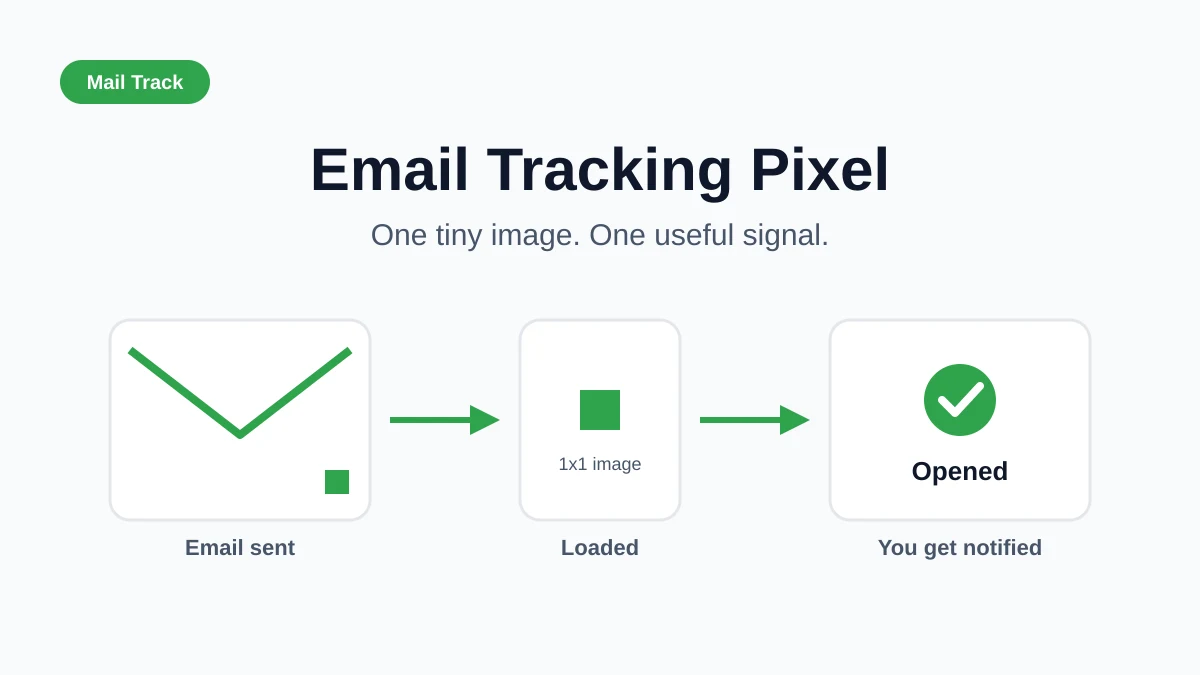
An email tracker adds a tiny image to each message you send. When a mail client loads that image, the tracker records an open. Mail Track shows the result next to each sent email in Gmail: whether it was opened, how many times, and the time of each open, on desktop and in the Gmail mobile app, with push notifications when you want them. The free plan tracks unlimited emails and adds a small visible signature to the message, and Premium removes the signature with an invisible tracker and keeps the full tracking history.
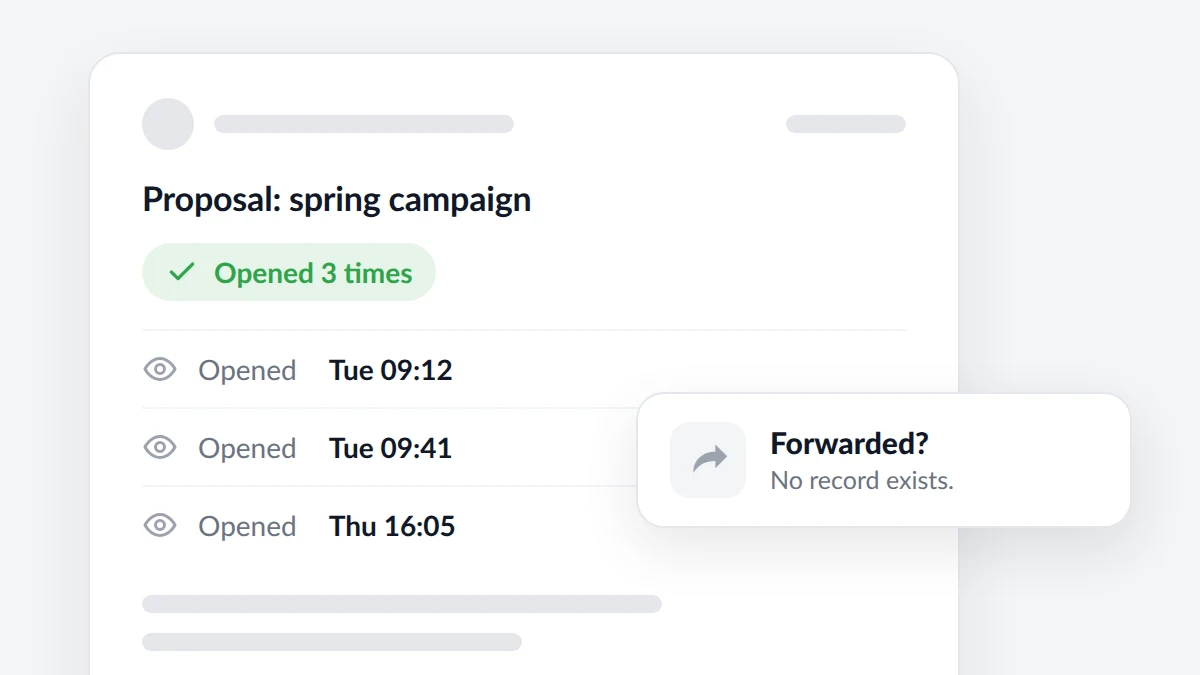
Because the pixel travels with a forwarded copy, an open by the new reader lands on the same tracked email. You cannot see who opened it or where, but you can read the pattern:
- Opens continue after the recipient has replied. If your contact answered on Tuesday and the open count keeps rising on Thursday, someone else is likely reading, or your contact is re-reading before a meeting.
- A burst of opens on a quiet thread. One open on the day you sent it, then six opens inside an hour a week later, often means the message has been passed to a group or shown in a meeting.
- Opens at times that do not fit the recipient. A contact who always reads at nine in the morning does not usually generate opens at midnight.
- A click from a link the recipient said they had not looked at. Tracked links add a second signal. Our guide on how to track link clicks in Gmail explains what a click does and does not prove.
Why location and device data are weaker than they look
Some trackers show a city or a device for each open and invite you to read a different city as a forward. For Gmail readers, that reading is unreliable. Google’s Workspace admin documentation on the Gmail image proxy states that “Gmail uses Google’s secure proxy servers to serve images” in messages, to protect users against image-based security vulnerabilities. The practical consequence is that the pixel request reaches the tracker from Google’s servers, not from the reader’s phone or laptop, so a location shown for a Gmail recipient describes Google’s infrastructure. Mail Track shows counts and times for this reason and does not pretend to know where an open happened.
Two more effects muddy the count in both directions:
- Extra opens. Privacy features in some mail apps load images before anyone reads the message, and security scanners can do the same.
- Missing opens. Any Gmail user can turn on “Ask before displaying external images” in Settings, as Google’s page on images in Gmail explains, and Gmail also holds images back when it finds a sender suspicious.
Our guide on how accurate email tracking is covers each case. Treat a surge of opens as a reason to follow up well, not as evidence to present.
Can you see who forwarded your email, or who received it?
No. A tracking pixel carries no identity, and a forwarded copy opened by a colleague looks like one more open of the email you sent. The only time you learn who received a forward is when that person replies to you, is copied on a reply, or mentions it. If you need to know which of several people has a document, send each one their own tracked email instead of one message to the group, so every open belongs to a known copy.
Can someone tell if you forward their email? The reverse question
If you are the one forwarding, the sender receives no notice from Gmail, Outlook or any other mainstream service. Two indirect traces exist, and both come from tracking rather than from forwarding itself:
- A tracking pixel in the original. If the message carried a pixel and you forward it with the body intact, the new reader’s mail client may load that image, and the original sender sees one more open on their email. They cannot see that it was a forward, who opened it, or where. Gmail shows images automatically by default, so the load usually happens unless the reader has turned external images off. Our explainer on the email tracking pixel shows how to spot one in a message you received.
- A tracked link. If you forward a message with tracked links and the new reader clicks one, the sender records a click. Again, the click has no name attached.
Forwarding only the part you need, as plain text in a fresh message, carries neither trace. If you use a work account, your organisation’s mail system may keep logs of what you send, but those belong to your employer and the original sender never sees them.
How to stop someone from forwarding your email
Since forwarding cannot be detected, the practical move is to prevent it before you send, or to write as if it will happen.
Gmail confidential mode
Google’s help page on confidential mode lists what it does: set an expiration date, revoke access at any time, disable the options for recipients to forward, copy, print and download the email, and optionally require an SMS passcode to open it. You turn it on at the bottom of the compose window with the Toggle confidential mode button. To cut off access early, open the message in Sent and click Remove access. Recipients who do not use Gmail receive the passcode by email.
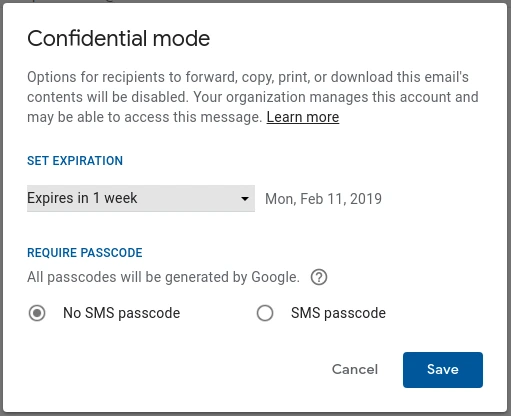
The same page is honest about the limit. Recipients “can still take screenshots or photos of your emails”, and recipients with malicious programs may still be able to copy or download the message. Google said the same when it announced confidential mode for Google Workspace in March 2019: the feature helps prevent recipients from accidentally sharing an email, and it does not prevent screenshots or photos. Confidential mode removes the Forward button and the casual slip. It does not make a determined reader keep a secret.
Outlook and Microsoft 365: Do Not Forward
Outlook users have an equivalent in Microsoft 365. Microsoft’s guide to securing email messages in Outlook describes the Do Not Forward label: the recipient can open the email and its attachment, but “they won’t be able to forward it”, and the message is indecipherable to everyone else. It requires a qualifying Microsoft 365 subscription. The mechanism underneath is Information Rights Management (IRM), and Microsoft’s introduction to IRM for email sets the same expectation as Google: IRM cannot prevent content from being hand-copied or retyped, and it cannot prevent “a digital photograph or screen capture being taken of the restricted content.”
Habits that work better than any setting
- Write for the wider room. Assume every email can be forwarded and keep tone, facts and names at a level you would stand behind in front of the whole team.
- Separate the sensitive part. Put the number, the password or the personal detail in a channel you control, and let the email carry the context.
- Ask plainly. “Please keep this between us for now” works more often than any lock, and it costs nothing.
- Send individual copies when the audience matters. One tracked email per person tells you which copy is active and keeps each thread private.
FAQ
Conclusion
Can you tell if someone forwarded your email? Not directly, and not with any tool that respects how email works. A forward is a new message from someone else’s account, the standards leave forwarding notifications off by default, and Gmail and Outlook offer none. What you can read is the open signal: how many times a message was opened and when, with a forwarded copy showing up as extra opens on the same email. Use that pattern to time a better follow-up, keep the inference to yourself, and reach for Gmail confidential mode or Outlook’s Do Not Forward when a message must not travel. Mail Track gives you the opens and their timing inside Gmail, and is honest about where the signal stops.
Ready to track your emails?
Add Mail Track for Gmail from the Google Workspace Marketplace and know the moment your emails are opened. Free and unlimited.
Add to GmailMore reading
More from Guides
How Accurate Is Email Tracking? What Opens Really Tell You
How accurate is email tracking in Gmail? Learn why opens get overcounted or missed, how to spot false opens, and which signals to trust before you follow up.
Email Tracking Pixel: How It Works, How to Spot One and Where It Falls Short
What is an email tracking pixel, how does it show an open in Gmail, how can you find one, and why Gmail and Apple Mail proxies limit what it can tell you.

7 Example Email Accept Job Offer Templates
Use these 7 example email accept job offer templates for formal, concise, and enthusiastic replies, with subject lines, clauses, and sending tips.