
8 Discovery Sales Questions for Better Conversations
Use these 8 discovery sales questions to uncover buyer needs, tailor follow-ups, and improve sales conversations with practical examples.

A prospect has received your proposal, pricing email, or follow-up, but you can’t tell whether they’ve seen it. You’re guessing from silence, checking for a reply, and debating whether another message would be helpful or annoying. The same uncertainty appears in recruiting, consulting, customer success, and business development, where timing often shapes the next conversation.
Strong discovery sales questions replace that guesswork with context. They uncover the buyer’s current process, the operational cost of limited visibility, the urgency of faster follow-up, privacy constraints, device habits, adoption barriers, and the outcome the buyer wants. That matters because broad B2B cold email reply rates commonly sit around 1% to 5%, while healthy campaigns are often described within a 3% to 6% range, according to benchmark coverage summarized by ZoomInfo’s discovery question guidance. Most outbound messages never earn a reply, so relevance has to appear early.
The eight questions below follow a practical progression, from pain and process through urgency, privacy, device usage, and desired outcomes. If the conversation reveals a need for Gmail-native open notifications, timestamps, open counts, mobile alerts, or reporting, Mail Tracker for Gmail may be relevant. The product name is descriptive, so keep it distinct from the broader category of an email tracker for Gmail.
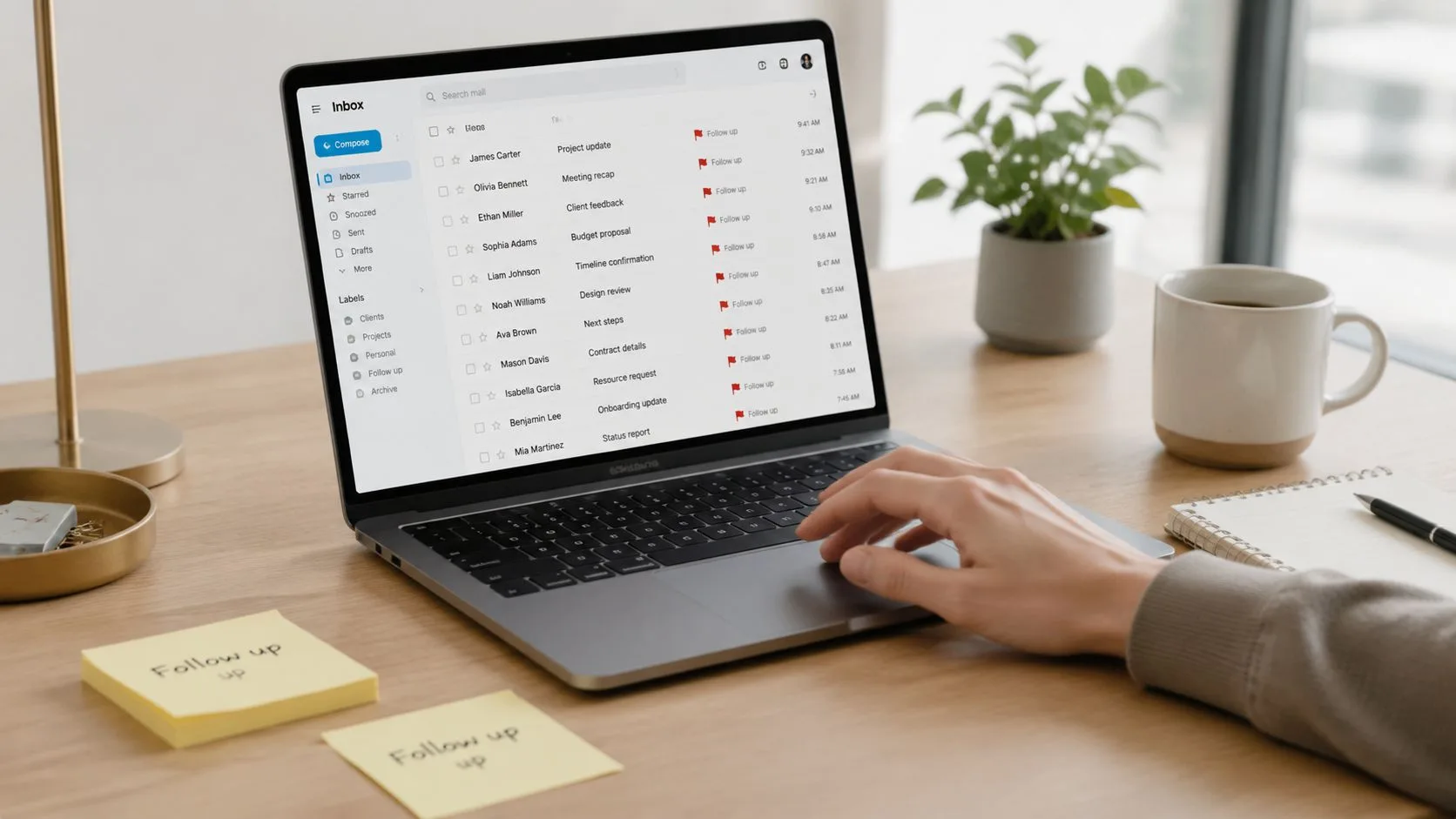
1. What challenges is your team currently facing with email follow-ups?
This broad opener gives the buyer room to describe the problem in their own language. Don’t lead with a feature such as tracking pixels or notifications. Ask what happens after the team sends an important email, then listen for uncertainty around whether the message was opened, whether the recipient is ready to engage, and when a follow-up would feel timely.
A recruiter might say candidates disappear after receiving interview details. A sales manager might explain that representatives follow up too early with some prospects and too late with others. A customer success manager may be sending renewal documents without knowing whether the client has reviewed them. Each answer points to a different operational issue, even though all three involve email follow-up.
Listen for the underlying workflow
The first answer is rarely the complete diagnosis. Use short probes that connect the complaint to a repeatable process:
- Find the root cause: “What usually makes that difficult?”
- Test frequency: “How often does this happen during a typical week?”
- Clarify the missed moment: “What would tell your team that it’s the right time to follow up?”
- Trace the consequence: “What happens after someone misses that window?”
Avoid turning the exchange into an audit. If the prospect says the team misses replies from candidates, ask whether the issue is delayed inbox checking, unclear ownership, or a lack of open activity. That distinction determines whether the problem calls for a process change, better alerts, or both.
Practical rule: Don’t present Mail Tracker for Gmail until the buyer has described the visibility problem in operational terms.
If the prospect specifically needs to know when a message was opened, real-time notifications and per-message timestamps can become a relevant recommendation. The product’s indicators inside Gmail can support a more informed follow-up cadence, but the value comes from solving the buyer’s stated timing problem, not from mentioning tracking for its own sake.
2. How do you currently know whether your emails have been opened by recipients?
This question separates observed engagement from assumption. Some buyers rely on a reply, manually check sent mail, wait for a recipient to confirm receipt, or infer interest from the timing of a response. Others have activity logs in a CRM, but those logs may not show the exact message-level context they need.
A freelancer may wait several days before deciding that a proposal was ignored. A recruiter may check candidate replies manually. A sales team may see that a contact exists in a CRM without knowing whether the latest pricing email was opened. Ask, “How reliable is that method?” Then follow with, “Do you ever follow up on an email that had already been opened, or overlook one that was never seen?”
Match the recommendation to the evidence
The buyer’s current method tells you what kind of change would be acceptable:
- Reply-based inference: They need a signal before the recipient responds.
- Manual checking: They need less repetitive inbox work.
- CRM activity: They may need message-level visibility inside Gmail.
- No method at all: They may need a simple explanation of what tracking can and cannot show.
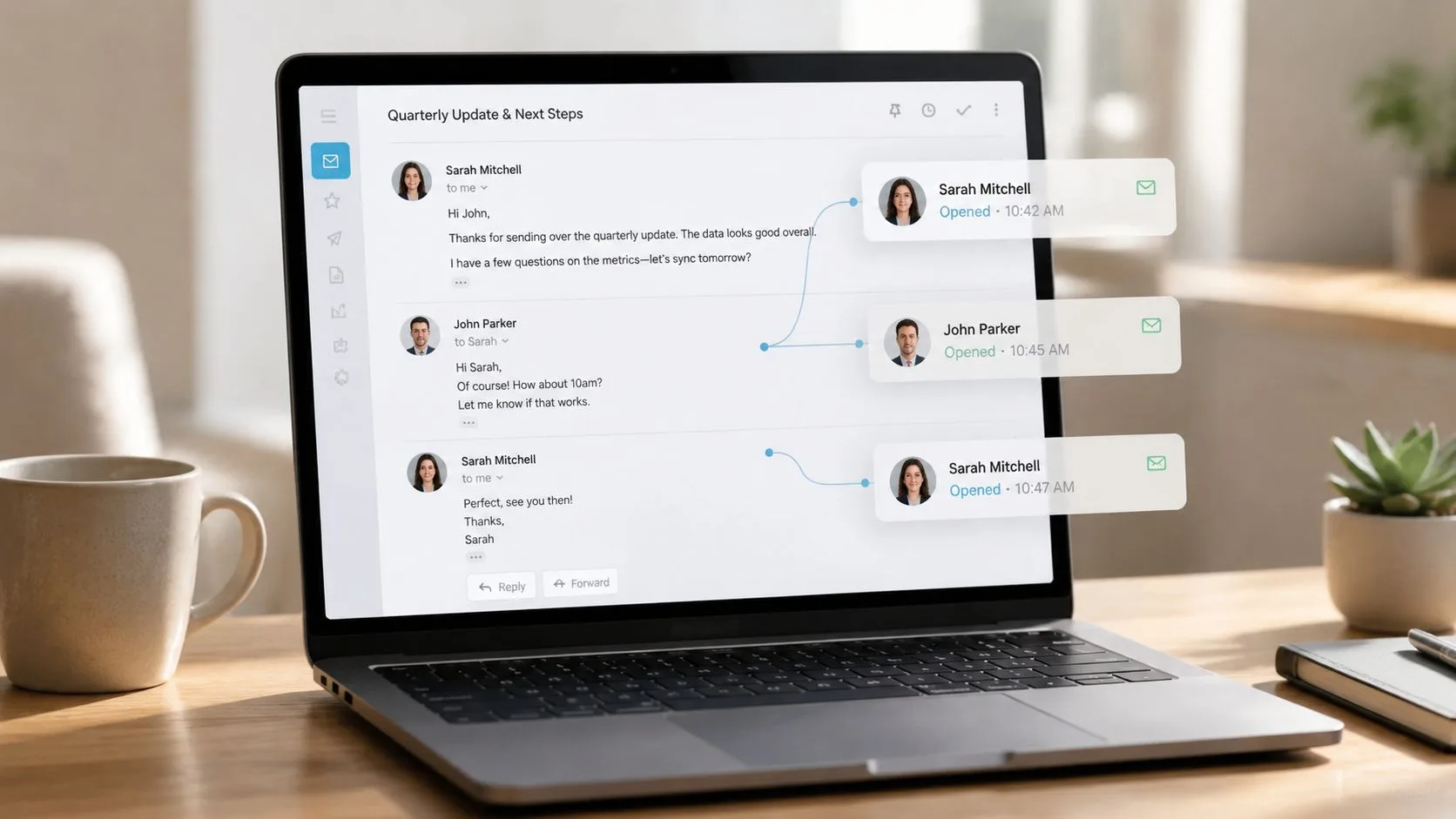
Mail Tracker for Gmail integrates with the Gmail interface and can display double check marks, open counts, and timestamps for tracked messages. It also provides real-time open notifications, which can help a user decide when a follow-up deserves attention. A Chrome extension and a Google Workspace Marketplace installation give teams ways to add it to an existing Gmail workflow rather than forcing a separate sales workspace.
For a careful explanation of the limitations and mechanics behind read signals, point the buyer to how to tell if someone read your email. You can also share this 2026 video sales letter buyer’s guide when the broader conversation includes video-led outreach.
The important trade-off is that an open event isn’t the same as buying intent. Treat it as a timing signal, then use the next conversation to confirm relevance, need, and readiness.
3. How much time do you spend trying to figure out which emails deserve immediate follow-up?
Start with the work, not the feature. Ask the prospect to walk through a normal day of inbox triage. Do they scan sent threads, search for unanswered messages, review CRM records, or keep a spreadsheet of proposals and leads? The answer reveals whether the team has a visibility problem, a prioritization problem, or both.
A sales representative might spend part of each morning reviewing recent outreach to identify the conversations most likely to move. A recruiter may cross-reference candidate communications with replies before deciding whom to contact. A customer success manager may have no reliable way to distinguish a client who has reviewed a renewal document from one who hasn’t.
Turn effort into a business conversation
Use follow-ups that clarify scale without forcing the buyer to invent a business case:
- Map volume: “How many emails does each person send during a typical workday?”
- Separate signal from noise: “Which messages need a timely response?”
- Identify the bottleneck: “What part of the review takes the most effort?”
- Connect delay to consequence: “What happens when an interested person doesn’t receive a prompt follow-up?”
Don’t overpromise that tracking will eliminate inbox work. A tracking signal can surface activity, but the team still needs clear ownership, sensible prioritization, and a follow-up message that adds value. If the buyer’s real issue is an overloaded process, a tool alone won’t fix it.
Mail Tracker for Gmail’s in-inbox indicators can help users see which threads have activity, while Premium daily email reports can summarize tracked activity for teams that need a broader view. Full tracking history and message-level details are also available on Premium. Position those features only after the prospect explains how much manual review they’re doing and where a summary would fit their workflow.
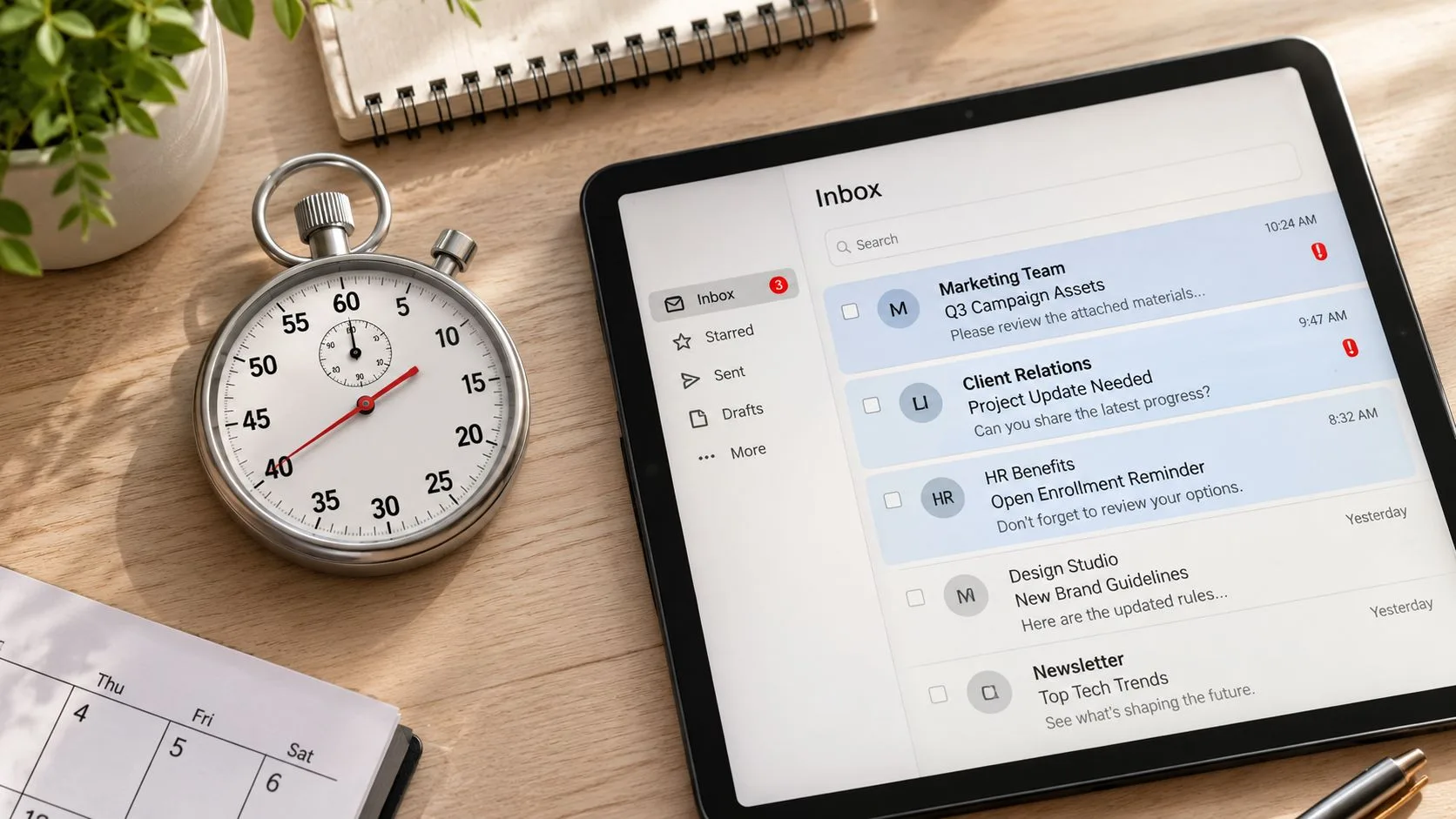
4. How important is it for your team to respond to customer inquiries or leads within a specific timeframe?
Some teams value fast response as a service standard. Others work in situations where a delayed reply can mean a candidate accepts another opportunity, a buyer moves to another vendor, or a customer concern remains unresolved. This question tells you whether timing is merely convenient or central to the buyer’s operating model.
Ask the prospect to define the window in their own terms. “What’s the ideal response period?” is more useful than assuming a universal standard. Then ask what happens if that period is missed. A recruitment firm may need hiring managers to receive candidate information promptly. A field-based consultant may need to answer while away from a desk. A customer success team may need to acknowledge an account issue before it grows.
Separate urgency from pressure
A buyer may say speed matters, but the reason matters more. Listen for:
- A customer promise: The team has committed to a response standard.
- A competitive context: Several vendors are pursuing the same opportunity.
- A workflow dependency: One person’s reply enables the next step.
- A personal habit: The buyer prefers to respond quickly.
Mail Tracker for Gmail can send instant push notifications on desktop and mobile when a tracked email is opened. Mobile support for the Gmail app on Android and iOS is relevant when sales representatives, recruiters, or account managers spend part of the day away from their laptops. The recommendation should connect to the stated workflow, such as responding while visiting clients, rather than implying that every open requires an immediate call.
You can also ask, “Where are you when the most important messages arrive?” That question often exposes a gap between desktop visibility and mobile availability. If notifications are delayed, disabled, or scattered across devices, the buyer may need a process conversation before choosing a tracking plan.
5. Are there compliance or privacy concerns that affect how you track or monitor email activity?
Privacy belongs in discovery before a product demonstration. Tracking an email can raise questions about recipient expectations, internal policy, consent, and regional requirements. A buyer in recruitment, healthcare consulting, finance, or legal services may have stricter standards than a freelancer sending a proposal to a long-standing client.
Open with a neutral prompt: “Do your compliance or privacy policies affect how you can track emails?” Then ask whether the organization has written guidance, whether legal or security teams need to review tools, and whether the team must use transparent tracking in certain communications.
Let the buyer define acceptable tracking
A privacy-sensitive prospect may prefer a visible tracking signature so recipients can see that tracking is enabled. Another organization may permit an invisible tracker for selected workflows, while requiring internal approval. Mail Tracker for Gmail offers a visible tracking signature on the free plan and an optional invisible tracker on Premium, so the relevant choice depends on policy and communication norms.
The product states that it doesn’t read email content and records open events. It also documents GDPR compliance statements and user data rights, including access, correction, and removal. Those facts can support a compliance conversation, but they don’t replace the buyer’s own legal review.
- Ask about policy: “What does your organization permit?”
- Ask about recipients: “Are candidates, customers, or regulated contacts treated differently?”
- Ask about documentation: “Who needs to approve a tracking add-on?”
- Ask about transparency: “Would a visible signature be required?”
For a broader discussion of responsible use, share whether email tracking compromises ethics. Don’t use privacy language as a last-minute objection response. If the buyer needs transparent tracking, qualify that requirement first and only then discuss the plan or configuration that may fit.
6. What percentage of your outreach does your team currently track, and why aren’t you tracking the rest?
This question exposes the gap between a team’s ideal process and its actual behavior. Some teams track only formal proposals or pricing emails. Others track messages from one account but not another, or use a CRM for selected contacts while sending much of their outreach directly from Gmail.
A sales team might track a portion of its outbound messages because representatives use different systems. A recruiter may track job offers but not earlier candidate conversations. A consultant may monitor proposals while leaving initial outreach and follow-ups untracked. The percentage matters because it shows coverage, but the reason behind the gap is more actionable.
Diagnose friction before promising adoption
Ask what prevents broader use:
- Tool fragmentation: “Are different accounts or email clients involved?”
- Setup resistance: “Does tracking require a step reps skip when they’re busy?”
- Policy limits: “Are certain recipient groups excluded?”
- Cost concerns: “Has the team limited tracking to messages considered most valuable?”
Mail Tracker for Gmail is embedded in Gmail and can be installed through the Chrome extension or Google Workspace Marketplace. Its free plan supports an unlimited number of tracked emails, which may reduce cost-related resistance when a team wants broader coverage. That doesn’t mean every team should track every message. Some buyers may decide that privacy, recipient expectations, or message importance calls for selective use.
A useful follow-up is, “If tracking the rest required no additional workflow change, which messages would you start with?” Their answer reveals whether the priority is sales outreach, recruiting communication, proposals, or account management. It also gives you a practical starting point for evaluation instead of pushing universal adoption.
7. How do you currently manage email notifications across your devices, and what’s your biggest frustration with that system?
This question works best as a workflow walkthrough. Ask the buyer to describe where they check Gmail during the day, which device they trust for urgent work, and what happens when an important message arrives while they’re away from their desk. The problem may not be a lack of email access. It may be that open notifications don’t reach the device the buyer is using.
A sales representative might miss a prospect’s open activity while traveling between meetings. A recruiter may switch between a laptop, tablet, and phone without a unified alert pattern. A consultant may check Gmail intermittently and discover that a time-sensitive proposal was opened much earlier.
Find the blind spot
Useful prompts include:
- Map the day: “Walk me through how you access email from morning to evening.”
- Locate important messages: “Where are you when the most valuable emails usually arrive?”
- Identify the failure: “Which device or notification tends to let you down?”
- Test the desired response: “Would you act differently if an alert arrived immediately?”
Mail Tracker for Gmail supports tracked email activity through the Gmail app on Android and iOS, with instant push notifications on mobile and desktop. That can matter for people who need awareness while visiting clients, interviewing candidates, or managing accounts outside the office. It’s still worth checking whether company device policies permit the required notifications and whether users keep push alerts enabled.
The product’s Gmail integration is also relevant here because the buyer may not want a separate app or a new workflow. Discuss the device problem first. Then explain how Gmail-native indicators and alerts could fit the way the team already works. For configuration guidance, use how to enable push notifications.
8. If you could see exactly when each email was opened and by whom, how would that change your sales or outreach process?
This question shifts the conversation from frustration to a concrete future workflow. Don’t answer for the buyer. Ask them to describe what they’d do with the information, then test the scenario with a real message type such as a pitch, proposal, interview update, or renewal note.
A sales representative may say they’d prioritize a prospect who opened a proposal and send a relevant follow-up while the conversation is active. A recruiter might tailor the next message after seeing that a candidate reviewed the role details. A customer success manager could use engagement history to identify an account that needs proactive outreach, while a freelancer might adjust proposal timing based on recipient activity.
Make the outcome specific
Use follow-ups that connect visibility to action:
- Change the response: “How would your next message differ?”
- Clarify priority: “Which emails would move to the top of the queue?”
- Test the workflow: “Who would receive the alert, and who would own the follow-up?”
- Define success: “What would tell you that the new process is working?”
Mail Tracker for Gmail provides double check marks, open counts, and per-message timestamps inside Gmail. Real-time notifications can support the immediate action the buyer describes, while Premium daily email reports and full tracking history may help teams review activity across a larger workflow.
Be careful with the phrase “exactly when” in your own qualification. An open signal can inform timing, but it doesn’t prove that the recipient read every word, agrees with the proposal, or intends to buy. The buyer’s desired outcome should therefore include a human follow-up step, such as a relevant reply, a call, or a change in message sequencing.
8-Question Email Follow-Up Discovery Comparison
| Question | 🔄 Implementation complexity | ⚡ Resource requirements / efficiency | ⭐ Expected effectiveness | 📊 Expected outcomes / impact | 💡 Ideal use cases / tips |
|---|---|---|---|---|---|
| What challenges is your team currently facing with email follow-ups? | Low, simple discovery; requires active listening | Low, few minutes; no tech needed | ⭐⭐⭐⭐, uncovers core pain points | Identifies visibility gaps and coordination bottlenecks | Use in early discovery; ask “why” and quantify missed opportunities |
| How do you currently know whether your emails have been opened by recipients? | Low, diagnostic question; may surface competitors | Low, quick to ask; may prompt technical follow-up | ⭐⭐⭐⭐, reveals tracking maturity | Exposes reliance on manual processes and integration gaps | Follow with “How reliable is that?” and introduce native Gmail integration |
| How much time do you spend trying to figure out which emails deserve immediate follow-up? | Medium, requires prospect to estimate time | Medium, needs data or rough estimates from prospect | ⭐⭐⭐⭐, converts pain into measurable cost | Quantifies time lost and ROI potential for automation | Ask for email volume and tie time savings to revenue value |
| How important is it for your team to respond to customer inquiries or leads within a specific timeframe? | Low, qualifying; straightforward | Low, quick question, high signal | ⭐⭐⭐⭐⭐, strong qualifier for urgency-driven buyers | Determines SLA needs and urgency for real-time alerts | Ask exact response windows and consequences of delays |
| Are there compliance or privacy concerns that affect how you track or monitor email activity? | Medium–High, sensitive, may require legal input | Medium–High, may trigger compliance review | ⭐⭐⭐⭐, addresses a major adoption barrier | Surfaces regulatory constraints and consent requirements | Lead with policy questions; highlight visible-tracker option and GDPR docs |
| What percentage of your outreach does your team currently track, and why aren’t you tracking the rest? | Medium, behavioral and probing | Medium, needs honest assessment; may need examples | ⭐⭐⭐⭐, exposes adoption barriers and expansion opportunities | Reveals technical/process friction limiting coverage | Start specific: ask % tracked daily; emphasize unlimited free tracking |
| How do you currently manage email notifications across your devices, and what’s your biggest frustration? | Low–Medium, maps device workflows | Low, quick to explore device habits; may reveal gaps | ⭐⭐⭐⭐, identifies mobile/desktop blind spots | Shows need for unified push notifications and cross-device support | Walk through daily routine; highlight iOS/Android instant push capability |
| If you could see exactly when each email was opened and by whom, how would that change your sales/outreach process? | Low, visionary, open-ended | Low, prompts strategic thinking | ⭐⭐⭐⭐⭐, builds emotional buy-in and self-generated ROI | Generates concrete use cases, workflow changes, and KPI targets | Ask for scenarios and metrics; use answers to build ROI and Premium use cases |
Turn Answers Into Better Follow-Up Decisions
Good discovery isn’t a performance in which the representative asks every prepared question. It’s a concise map of the buyer’s current process, pain, urgency, constraints, desired outcome, and next step. The strongest discovery sales questions create that map by following the buyer’s answers rather than forcing the conversation through a fixed script.
Start by recording the buyer’s exact language. If they say, “We don’t know whether the hiring manager saw the candidate details,” preserve that wording instead of reducing it to “low engagement.” Specific language helps you write a relevant follow-up and prevents the product recommendation from drifting away from the core problem.
Then separate the diagnosis into six fields:
- Current process: How does the team send, monitor, and prioritize email today?
- Pain: Where does the process break down?
- Urgency: What makes the problem important now?
- Constraints: Do privacy policies, device requirements, or internal approvals limit the options?
- Desired outcome: What would the team do differently with better visibility?
- Next step: What evidence, documentation, or workflow test should happen next?
You don’t need to ask all eight questions in one call. Choose one or two probes that fit the buyer’s stated situation. If the prospect has already explained the pain, don’t reopen with a generic challenge question. Move to impact, urgency, or the process for adopting a solution. Benchmarks from call-analysis datasets suggest that top-performing representatives use roughly 11 to 14 targeted, open-ended questions per discovery call, while closed-won calls average about 15 to 16 and closed-lost calls about 20, as summarized by Prospeo’s sales qualifying question analysis. The lesson is not to hit a quota. It’s to maintain a focused conversation instead of creating an interview.
Talk less after asking. Winning discovery calls cluster near a 43% talk and 57% listen balance, while conversion declines when representatives exceed roughly 60% to 65% talk time, according to Consensus’s discovery call guidance. Pause after an answer. Reflect the important phrase, ask one follow-up, and let the buyer elaborate.
Where email visibility is the confirmed gap, Mail Tracker for Gmail may be a relevant Gmail-native option with open indicators, timestamps, real-time notifications, daily reports, and mobile support. If privacy or workflow requirements differ, qualify those conditions before discussing features. Gmail itself also has important read receipt limitations. Read receipts are available only for work or school accounts, not personal @gmail.com accounts, and administrators can restrict how requests work, as explained in Google Workspace’s read receipt administration guidance. Google also notes that read receipts don’t work with group mailing lists or aliases and may fail with some email clients that don’t synchronize in real time, as described in Gmail’s read receipt help.
Use the buyer’s answers to decide whether the next step is a product trial, a privacy review, an internal workflow discussion, or no recommendation at all. That discipline makes discovery more useful for both sides.
Mail Tracker for Gmail adds read receipts, open counts, timestamps, and real-time notifications inside Gmail, with Android and iOS support for teams that follow up away from their desks. Visit Mail Tracker for Gmail to see whether its Gmail-native workflow fits the discovery and follow-up process you’ve just mapped.
Ready to track your emails?
Add Mail Track for Gmail from the Google Workspace Marketplace and know the moment your emails are opened. Free and unlimited.
Add to GmailMore reading
More from Guides

How Accurate Is Email Tracking? What Opens Really Tell You
How accurate is email tracking in Gmail? Learn why opens get overcounted or missed, how to spot false opens, and which signals to trust before you follow up.

Email Tracking Pixel: How It Works, How to Spot One and Where It Falls Short
What is an email tracking pixel, how does it show an open in Gmail, how can you find one, and why Gmail and Apple Mail proxies limit what it can tell you.

7 Example Email Accept Job Offer Templates
Use these 7 example email accept job offer templates for formal, concise, and enthusiastic replies, with subject lines, clauses, and sending tips.