
Best Browser Extension for Gmail: 2026 Comparison
Find the best browser extension for Gmail in 2026. Compare features, pricing, and performance to boost your email productivity.

You’re in Gmail, about to send an important message, and the next decision depends on what happens after you click Send. You might need to know whether a prospect opened it, schedule a follow-up, manage an outreach sequence, update a CRM record, or share responsibility for a customer inbox without leaving Gmail. The best browser extension for Gmail depends on that job, not on the longest feature list.
This comparison evaluates Gmail integration, tracking behavior, automation, collaboration, setup effort, limitations, and privacy trade-offs. It also separates lightweight tracking tools from broader sales, CRM, and team platforms. Mail Tracker for Gmail is the product name of one listed tool. It isn’t a generic label for every “mail tracker for Gmail” or “email tracker for Gmail” product. Open tracking can also depend on whether a recipient’s email client loads images, so treat an open notification as an indication, not an absolute guarantee. If you’re comparing tools for a broader sales process, you can also find sales engagement solutions.
1. Mail Tracker for Gmail
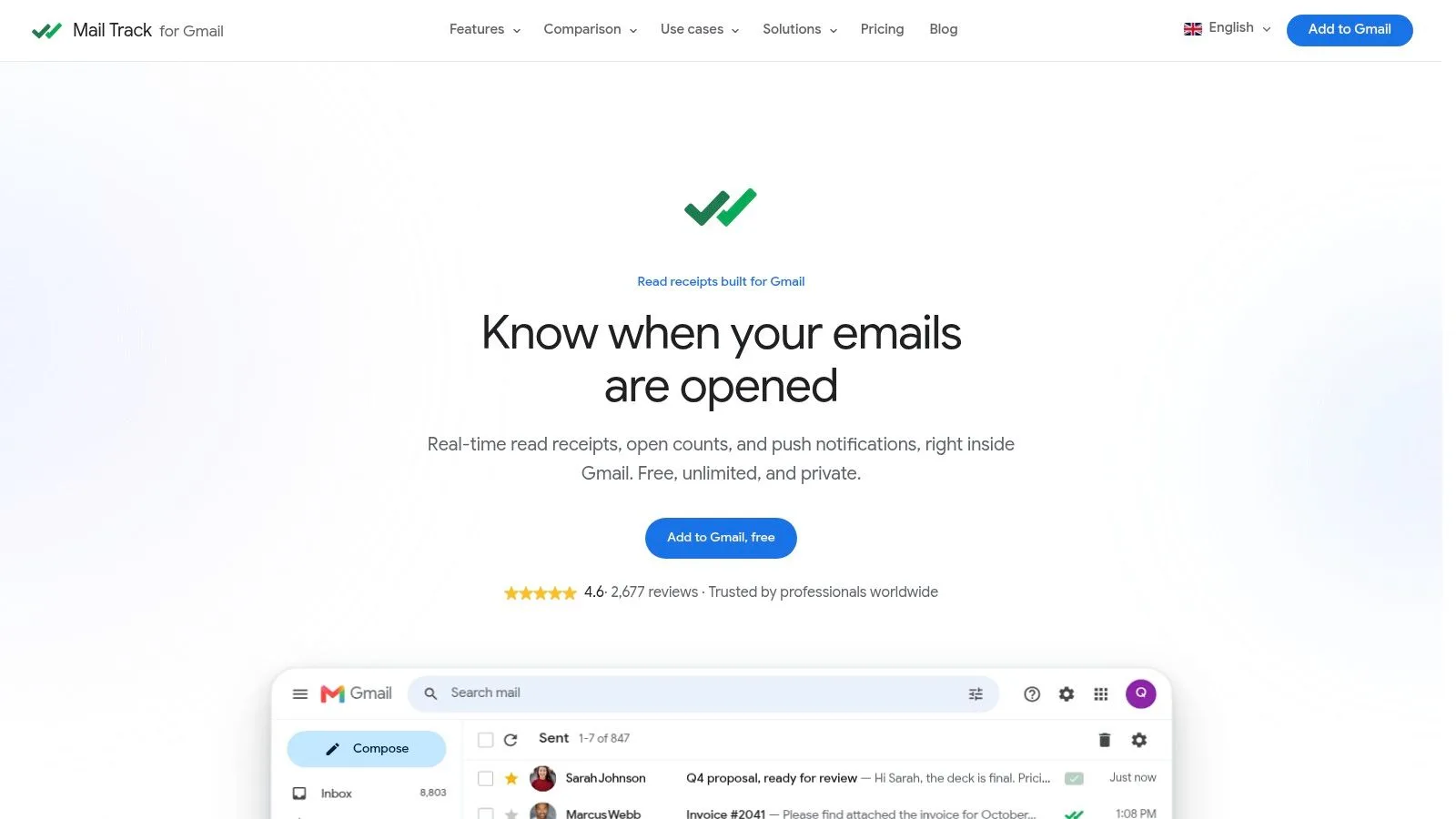
Mail Tracker for Gmail addresses a specific Gmail problem: you sent an email and need an indication of whether it was opened. The extension adds read receipts, double checkmarks, open counts, timestamps, and notifications to Gmail, so sales representatives, recruiters, consultants, and account managers can monitor follow-up without opening a separate sales dashboard. It also supports tracked sending and alerts through Gmail on mobile.
The product is available through the Google Workspace Marketplace and as a Chrome extension. That distribution model keeps setup close to the inbox. Google says Gmail add-ons can appear inside Gmail and on mobile, while third-party Workspace add-ons were expanded to personal accounts in 2020. For users who want one focused capability rather than a new operating layer, embedded access reduces workflow change.
Why its simplicity is the feature
Mail Tracker for Gmail does not attempt to manage CRM records, sales sequences, or shared support queues. The setup is direct: install the extension, authorize Gmail, send a tracked message, and review its status from the inbox. The free plan supports unlimited tracked emails. Premium adds invisible tracking, complete tracking history, daily summaries, and priority support. Product information supplied for this comparison lists Premium at approximately $2.99 per month when billed yearly and the Lifetime license at $99.99.
The narrower design also limits how much message data must move into a broader sales platform. The product says it records open events rather than reading email content and documents GDPR data rights. The free plan includes a visible tracking signature. Premium removes that signature with an invisible tracker, allowing senders to choose between clearer recipient disclosure and a less intrusive email presentation.
Practical rule: Choose this tool when open visibility is the workflow. If you need sequences, CRM ownership, or team routing, its limited scope becomes a constraint.
The Google Workspace Marketplace listing supplied for this comparison shows a 4.6 out of 5 rating from more than 2,677 reviews. That supports its role as a lightweight Gmail utility, but tracking still has a technical limit. Image blocking can stop some opens from registering, and a recorded open indicates loading activity, not that the recipient read every word.
2. Yesware for Gmail
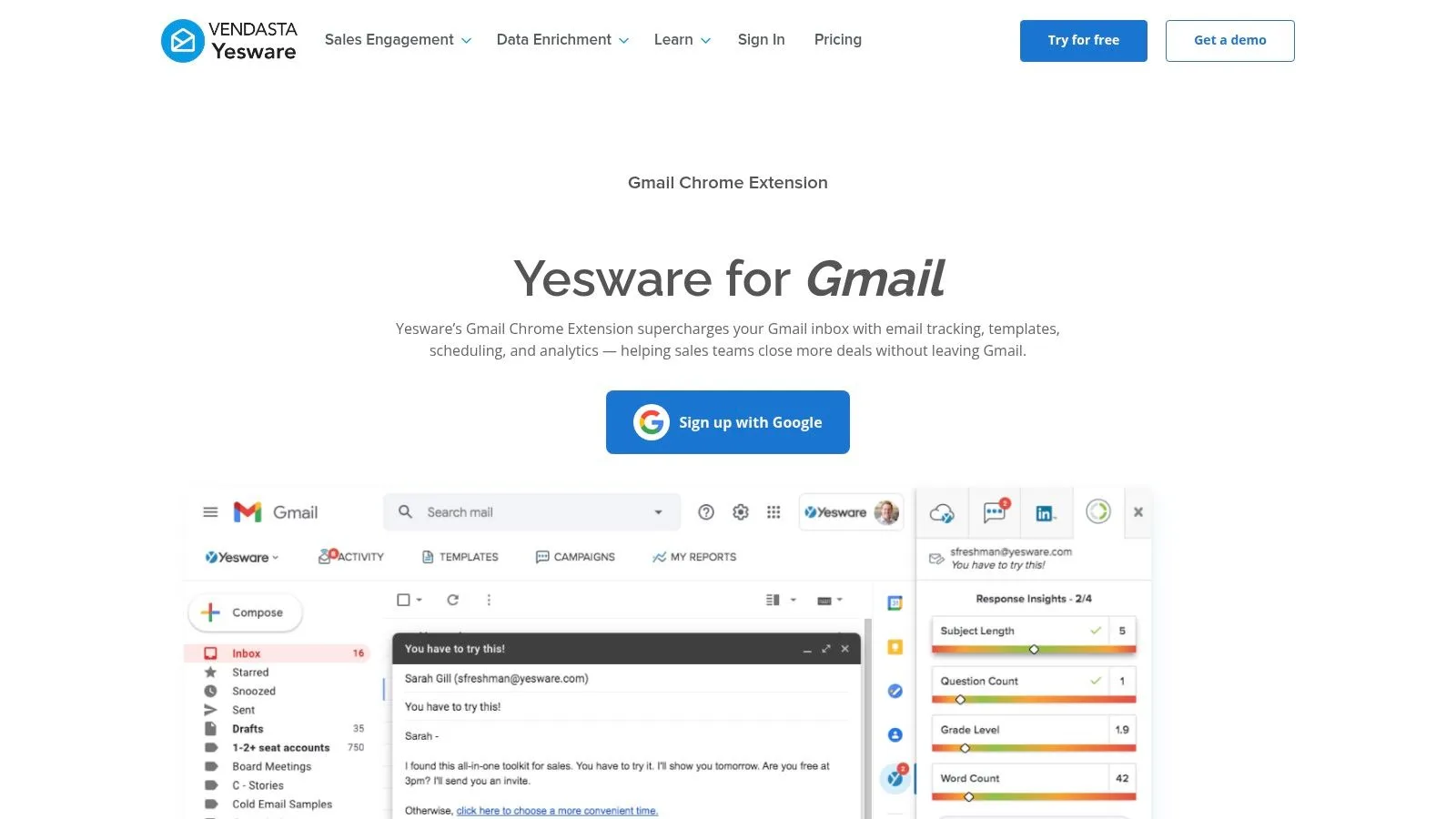
Yesware for Gmail is designed for users who have moved beyond one-off read receipts but don’t want to abandon Gmail for a separate sales workspace. Its Gmail sidebar combines open and link-click tracking with templates, snippets, meeting scheduling, and sales activity features. Paid plans can connect the workflow with HubSpot and Salesforce, giving sellers a route from inbox activity to CRM records and reporting.
That makes Yesware a middle-ground option. It introduces more structure than Mail Tracker for Gmail, but less organizational change than adopting a standalone sales platform. A representative can reuse approved messaging, offer a meeting link, and check engagement without switching tabs.
Best fit and trade-offs
The free plan makes it practical to test the core workflow before introducing team controls or paid integrations. Teams that need governance may value admin features, while individual sellers can start with a smaller footprint. The trade-off is complexity. Each additional sidebar module adds another decision inside Gmail, and users who only need open notifications may find the broader interface unnecessary.
Yesware is a stronger candidate than a simple tracker when follow-up depends on templates, meeting booking, and link engagement. It isn’t automatically the best choice for every team, though. CRM synchronization and advanced capabilities are tied to paid plans, and heavy use of multiple modules can make Gmail feel busier.
For a focused explanation of the underlying use case, see this guide to email tracking for Gmail. The key distinction is workflow depth. Yesware justifies its additional surface area when sellers repeatedly perform outreach tasks. It doesn’t justify that overhead for someone who sends occasional client messages and only wants to know whether they were opened.
3. Mixmax for Gmail
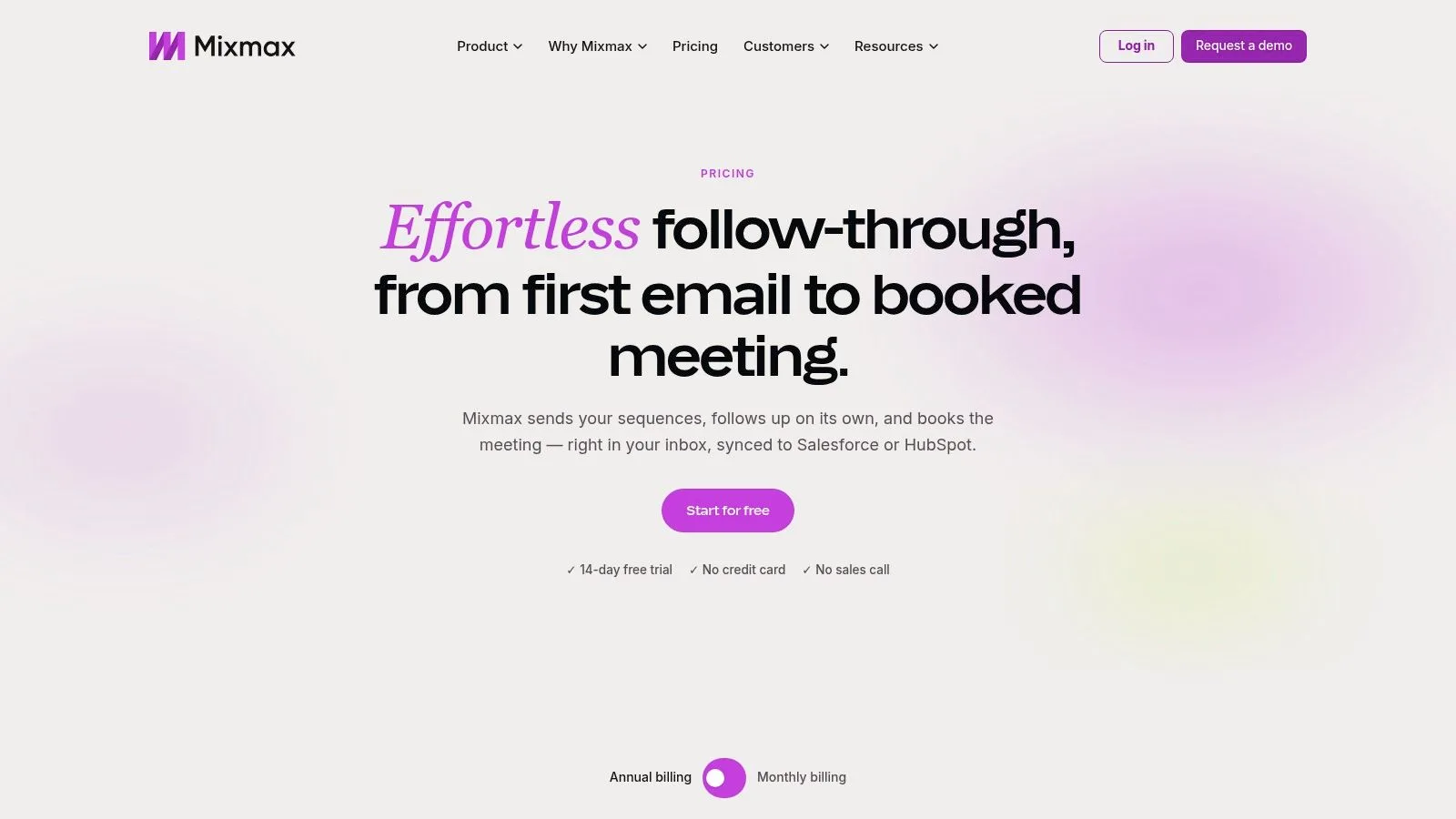
Mixmax targets teams that want a deeper sales engagement layer running inside Gmail. Its feature set combines real-time tracking, reminders, sequences, scheduling, calendar booking, and AI Copilots for inbox, meetings, and engagement. Administrative analytics and governance make it more suitable for managed sales programs than for a person seeking a single read receipt.
The important distinction is modularity. Mixmax offers individual Copilots and a broader Suite, so a team can align the purchase with its operating model rather than treating every capability as mandatory. That flexibility can help a growing organization, but it also creates a pricing and configuration decision that doesn’t exist with a lightweight tracker.
When deeper integration pays off
Mixmax fits a sales process where email is one step in a repeatable sequence. Reminders and booking tools reduce manual coordination, while analytics give managers more visibility into activity and governance. That depth is useful when several people need consistent outreach mechanics.
It can be excessive for a solo user who wants simple tracking, send-later controls, or an occasional follow-up reminder. The Suite is positioned as a premium option compared with lighter tools, and full functionality may require multiple modules. Before adopting it, define whether the team needs sequences and administrative oversight or merely wants confirmation that messages reached an active inbox.
The broader context is covered in this overview of email productivity tools. Mixmax belongs on the sales engagement side of that spectrum, not the basic productivity side.
4. Streak CRM for Gmail
Streak CRM for Gmail solves a different problem from a standalone email tracker. It turns Gmail into the working surface for pipelines, contacts, companies, shared context, mail merge, and tracking. The value isn’t just knowing that a message was opened. It’s knowing where that contact sits in a deal, recruiting, partnership, or customer workflow.
That native approach reduces context switching. Users can manage pipeline records alongside conversations instead of copying information into a separate CRM after every interaction. Shared pipelines and contacts also give teams a common view of responsibility.
The cost of making Gmail the CRM
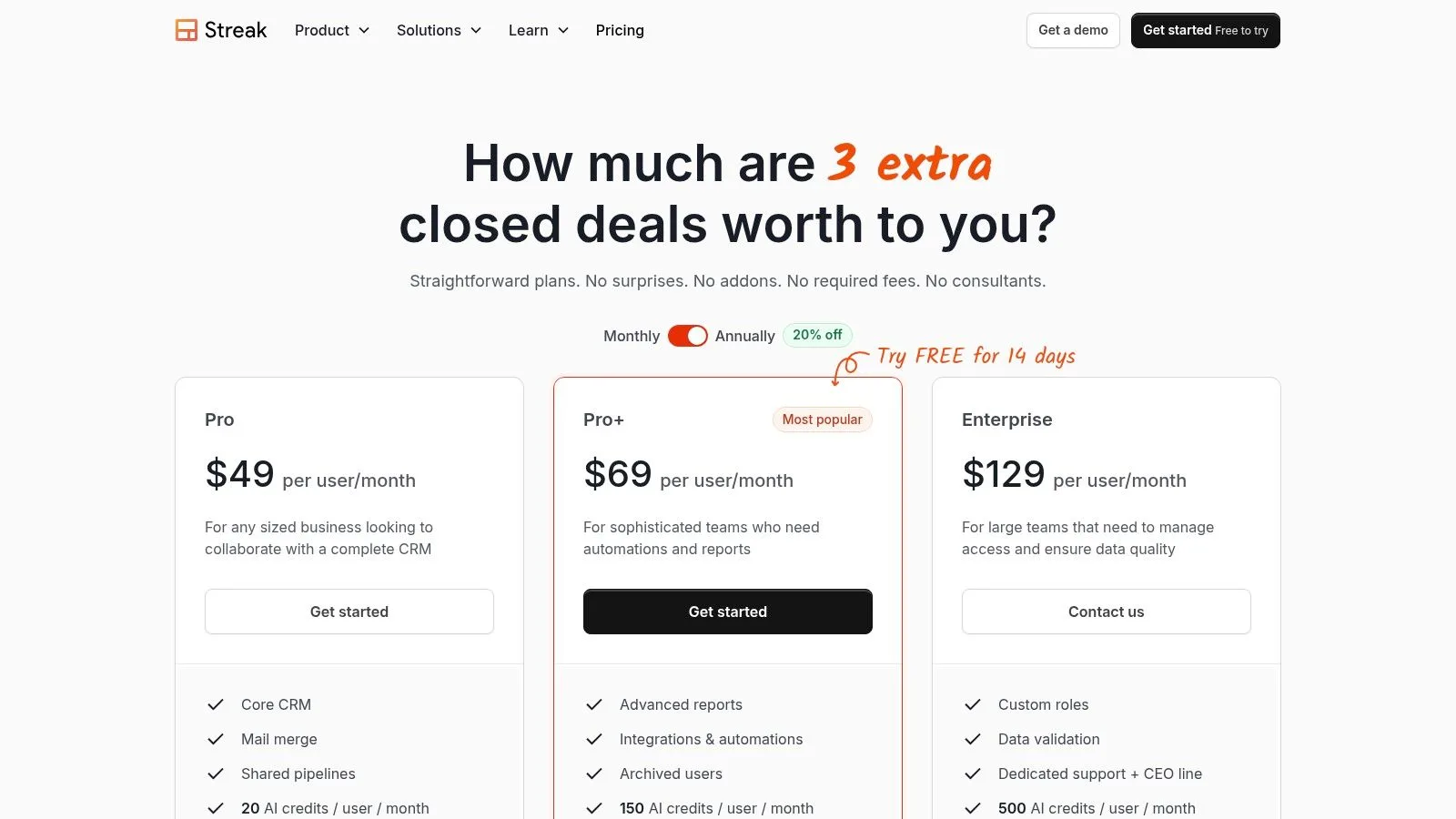
Streak makes sense when Gmail is already the center of the team’s work and pipeline context must remain close to messages. It can be particularly useful for smaller teams that don’t want a separate CRM interface. Its plan structure includes a 14-day Pro+ trial, giving teams a way to assess higher-level functionality before committing.
The limitation is plan dependence. Most automation, reporting, and advanced integrations sit in Pro+ and higher tiers. Per-seat pricing also means team members need to use the same plan, which can make a mixed adoption strategy difficult.
Choose Streak when pipeline visibility matters more than isolated tracking. If the only question is whether a prospect opened an email, Streak adds a CRM layer you may not use. If the question is who owns the opportunity, what happened previously, and what should happen next, the added structure can justify the trade-off.
5. HubSpot Sales Gmail Extension
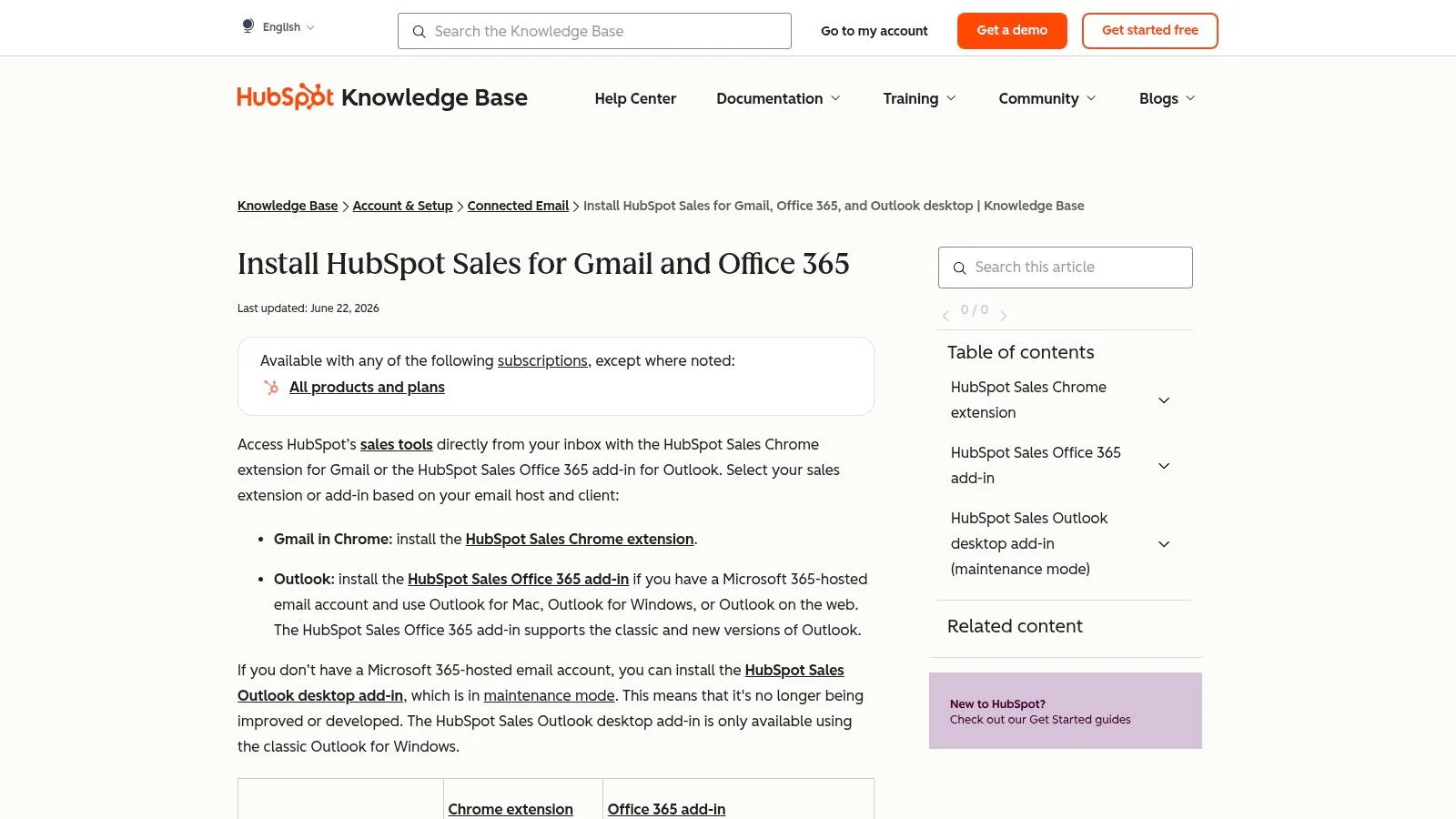
HubSpot Sales for Gmail brings the HubSpot CRM sidebar into Gmail, along with email and link tracking, templates, snippets, meeting scheduling, and contact management. Users can add contacts and companies from the inbox, then connect email activity to the wider HubSpot environment.
This is the strongest option in the list for organizations that already standardize on HubSpot or expect to expand into a broader CRM and sales operation. The extension isn’t merely a notification layer. It acts as an entry point into records, activities, automation, and reporting.
A growth path with added weight
Generous free capabilities make it possible to test the Gmail workflow without immediately buying a full sales package. The longer-term advantage is continuity. A contact added from Gmail can become part of a broader HubSpot process rather than remaining trapped in an individual inbox.
That ecosystem can also be the drawback. If you only need read receipts, the CRM sidebar and cross-app tooling may feel heavy. Advanced Sales Hub capabilities require paid seats, so a team should decide whether it needs a future operating system for sales or a small browser extension that answers one question.
The choice also depends on organizational direction. Businesses exploring HubSpot hiring in Latin America may already be evaluating the platform as a broader business system, while a freelancer sending occasional proposals probably won’t need its full context.
6. Right Inbox for Gmail
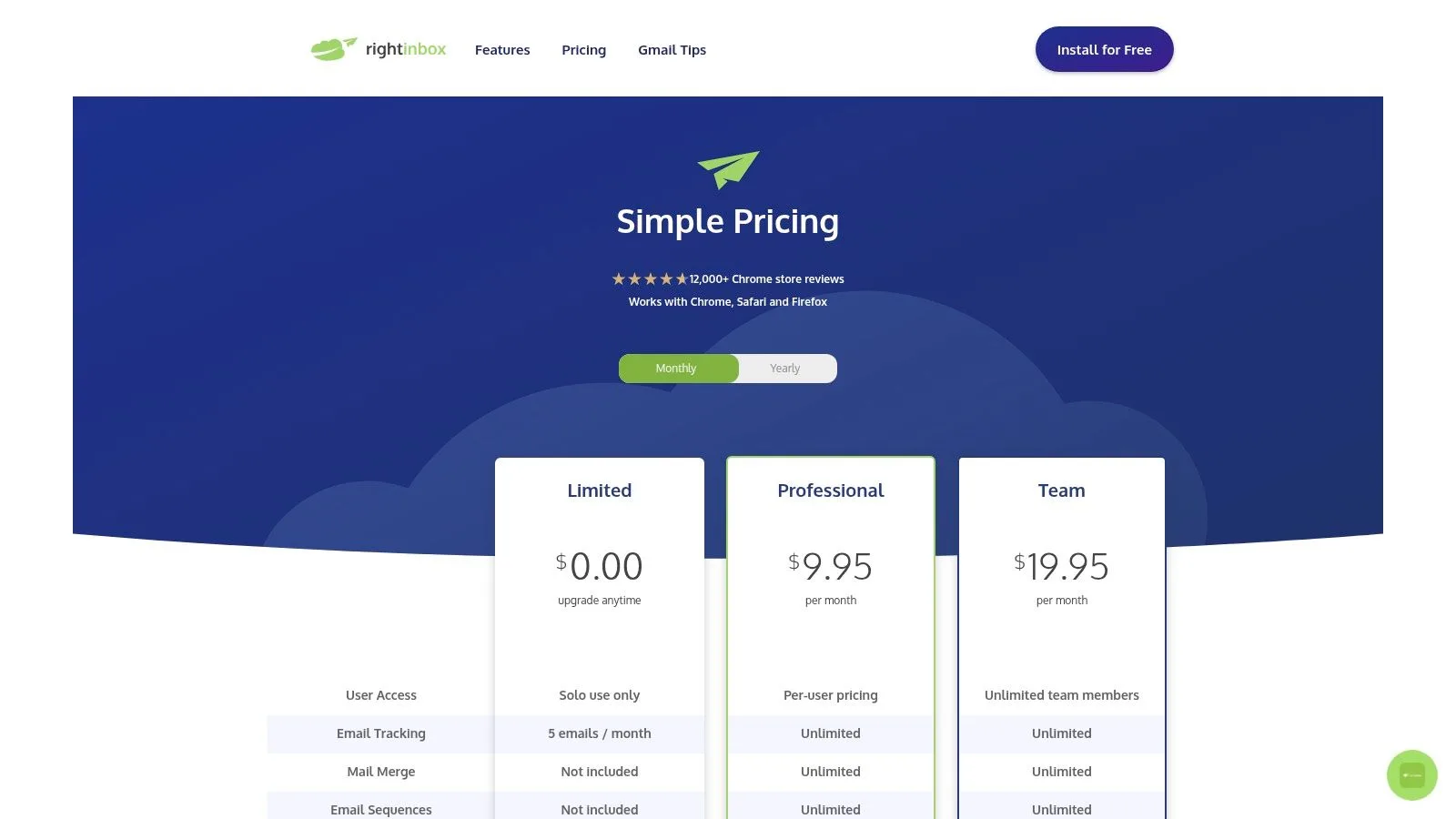
Right Inbox is a practical fit for individuals and small businesses that want more control over Gmail without adopting a full CRM. It combines email tracking with sequences, mail merge, send-later scheduling, reminders, recurring emails, templates, notes, signatures, and GIF support.
Its appeal is breadth without a particularly steep conceptual shift. The features remain close to familiar email actions, so a user can add reminders or schedule a recurring message without redesigning the entire outreach process. Support across Chrome, Firefox, and Safari also makes it useful for teams with varied browser preferences.
A sensible middle ground
Right Inbox is more capable than a pure tracker and less demanding than a sales engagement suite. Its visible free tier and approachable pricing suit users who need several productivity features but don’t want to pay for enterprise functionality. The quick-learning profile is especially useful when a team wants adoption without extensive training.
The boundaries show up in advanced use. Sequences and CRM integrations are limited to paid tiers, and the feature depth doesn’t match a full sales platform. That isn’t necessarily a weakness. It can be a useful constraint for teams that want to keep Gmail uncluttered.
Select Right Inbox when timing, reminders, and lightweight outreach matter together. Select Mail Tracker for Gmail when the primary requirement is immediate open visibility. Select a CRM-native tool when the team needs structured records, ownership, and reporting beyond the inbox.
7. Boomerang for Gmail
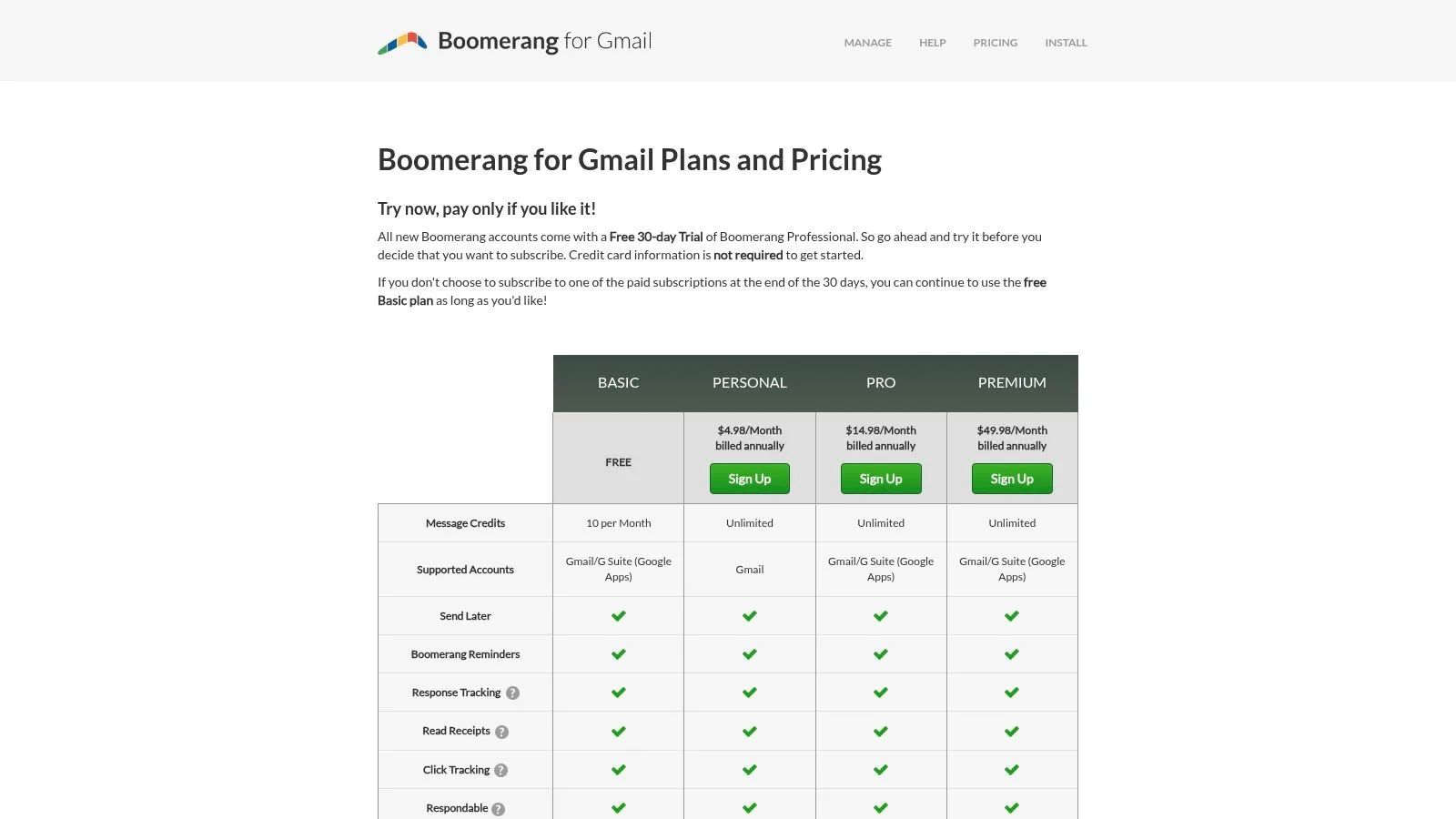
Boomerang for Gmail focuses on email timing and workload control. Send-later scheduling, recurring messages, follow-up reminders, and Inbox Pause make it a strong individual productivity tool. Its tracking capabilities are available on paid tiers, while Respondable adds AI-based writing feedback for users who want help evaluating message quality before sending.
The product is better understood as a scheduling and inbox-management extension with tracking, not as a full sales engagement platform. That distinction matters. A recruiter managing interview follow-ups or a consultant organizing client replies may gain more from reminders and send timing than from sequences, CRM synchronization, or team analytics.
Strong for personal control
Boomerang’s longstanding Gmail orientation makes it a natural choice for users who want to improve personal email habits without introducing a sales operating system. Inbox Pause is particularly different from the tracking-first tools in this comparison because it helps control incoming work rather than merely measure recipient engagement.
The trade-off is a simpler tracking layer. Users looking for detailed open histories, extensive sequence logic, or advanced engagement reporting may outgrow it. AI metrics and other higher-level features also depend on Pro or Premium plans.
Choose Boomerang when the central problem is when to send, when to revisit, and when to stop incoming distractions. Don’t choose it solely because you need a deep prospecting database or a collaborative pipeline.
8. GMass
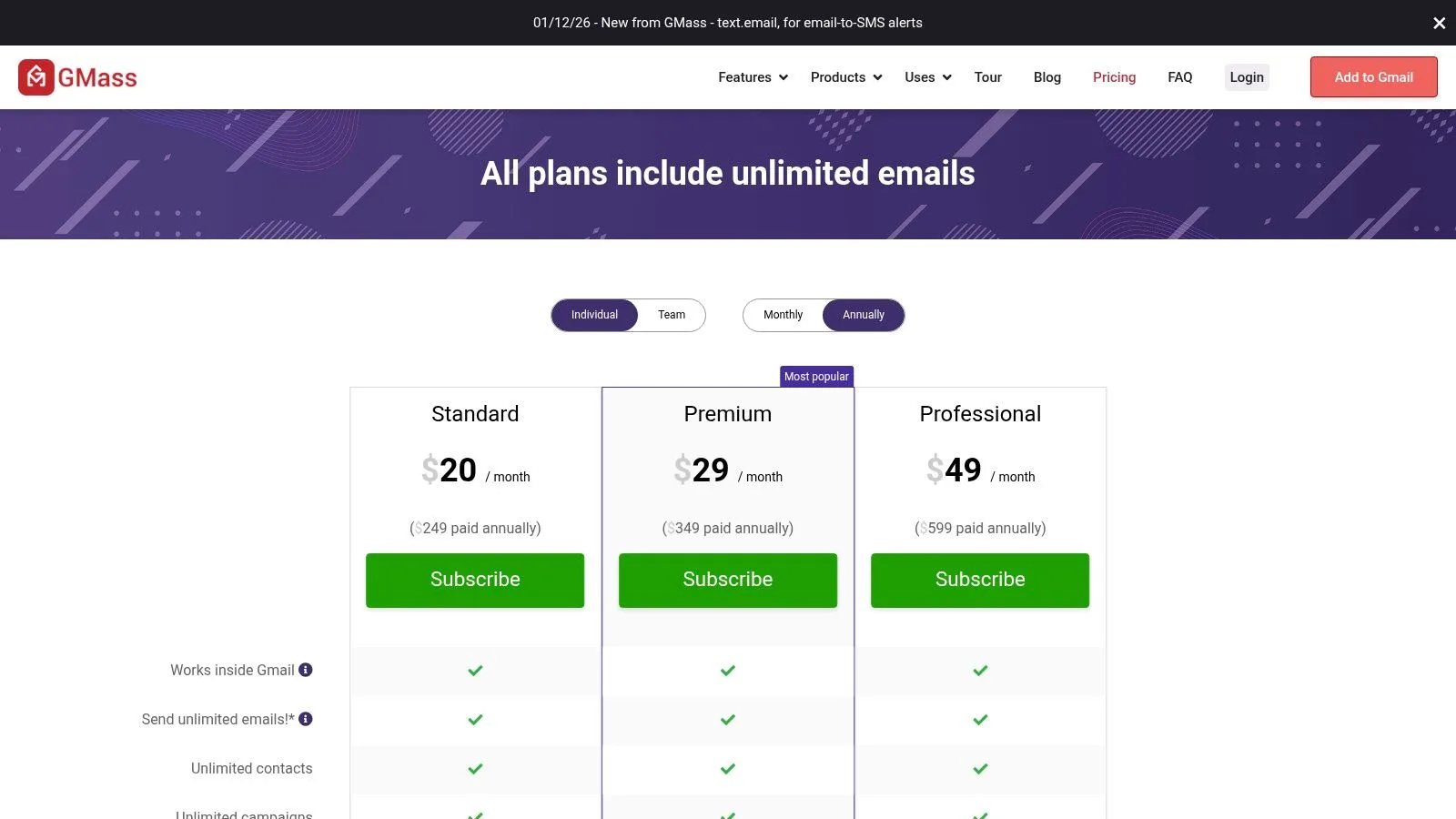
GMass is built for mail merge and cold-email workflows inside Gmail. It combines open and click tracking with sequences, A/B testing, Google Sheets mail merge, custom tracking domains, and deliverability controls. That makes it substantially more operational than a read-receipt extension.
The Google Sheets connection is central to its fit. Teams can organize recipients in a familiar spreadsheet, launch Gmail-based campaigns, and manage follow-ups through the extension. Custom tracking domains and deliverability controls address concerns that become more important as outreach volume and campaign structure grow.
Scale requires discipline
GMass is a strong choice for users who need structured mail merge while remaining within Gmail and Google Workspace sending constraints. Those limits aren’t a minor detail. The tool can help organize sending, but it can’t remove the platform rules that govern how much mail an account should send.
Advanced options, including MultiSend and priority support, are placed on higher tiers. That creates a sensible progression for teams that begin with straightforward campaigns and later need more controls. It also means users should map their actual sending process before paying for the top configuration.
The practical risk is over-automation. A spreadsheet-driven campaign can make it easy to contact many people without enough personalization or permission review. Read the guide on how to send mass emails, then test a small, relevant audience before making the workflow routine.
9. Gmelius
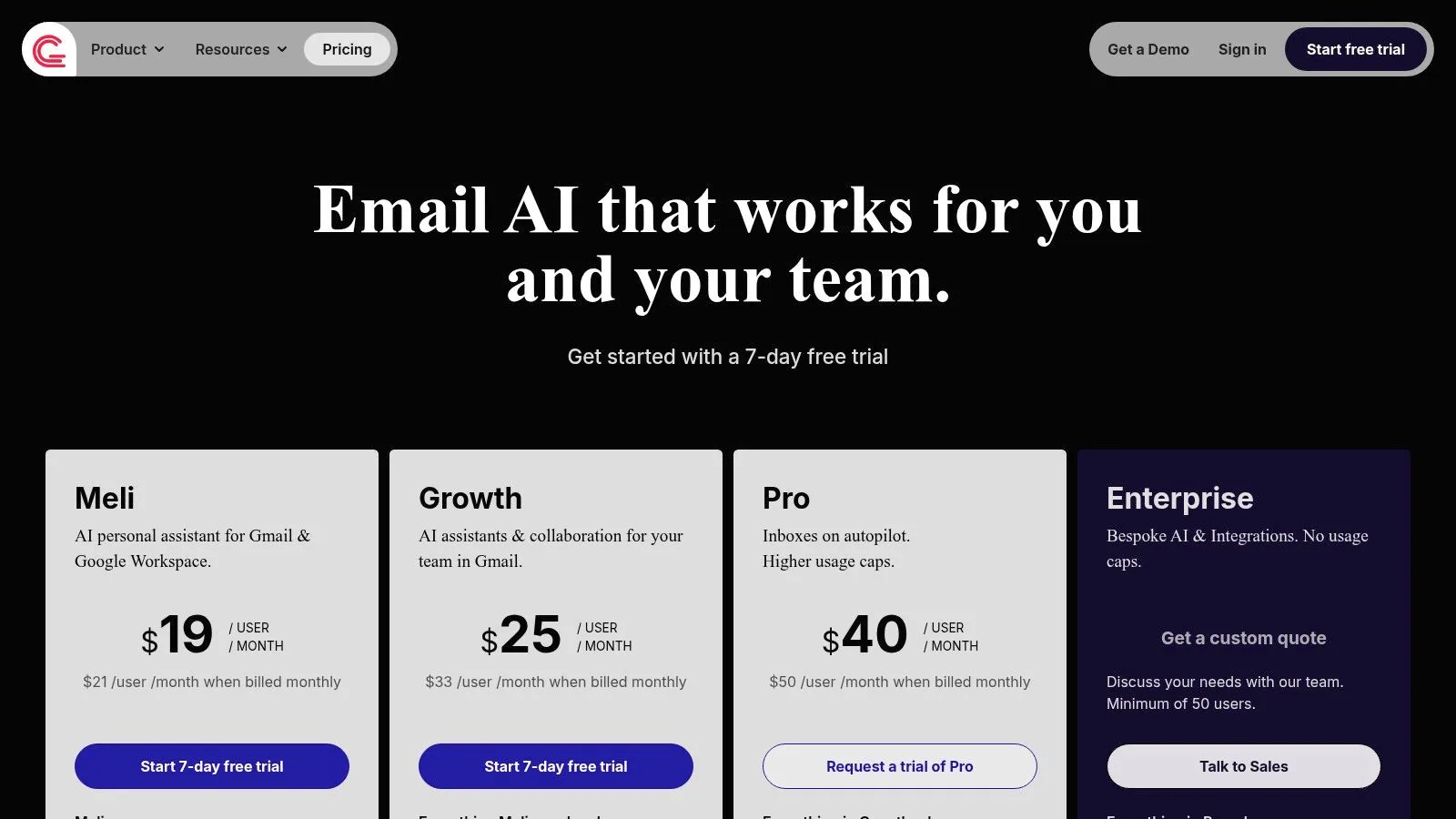
Gmelius is the collaboration-first choice. It adds shared inboxes, labels, automation rules, auto-assignment, SLA analytics, integrations, API access, backups, and AI assistants to Gmail. Support, customer-success, and operations teams can use it to distribute incoming work while keeping the familiar Gmail interface.
That solves a team problem that simple trackers can’t solve. An open notification tells one sender what happened to one message. Gmelius helps a group decide who owns an email, how quickly it requires attention, and what automation should happen next.
Collaboration changes the evaluation
Gmelius is appropriate when multiple people share responsibility for customer communication. Unlimited shared inboxes and labels are available on Growth and higher tiers, while higher plans add deeper integrations, API access, and backups. Its tiering supports a path from smaller teams to more formal operations.
The same depth makes it excessive for a salesperson who only wants to know whether a proposal was opened. Enterprise plans require a 50-user minimum and a custom quote, according to the supplied product information, so large-scale deployment has a different buying profile from individual Gmail productivity.
A shared inbox is not just a collection of messages. It needs ownership, routing, response expectations, and an audit trail.
Choose Gmelius when collaboration and service operations justify the added layer. Don’t use it as a substitute for a simple tracker if no one needs assignment rules, shared context, or SLA-style visibility.
10. Snov.io Unlimited Email Tracker
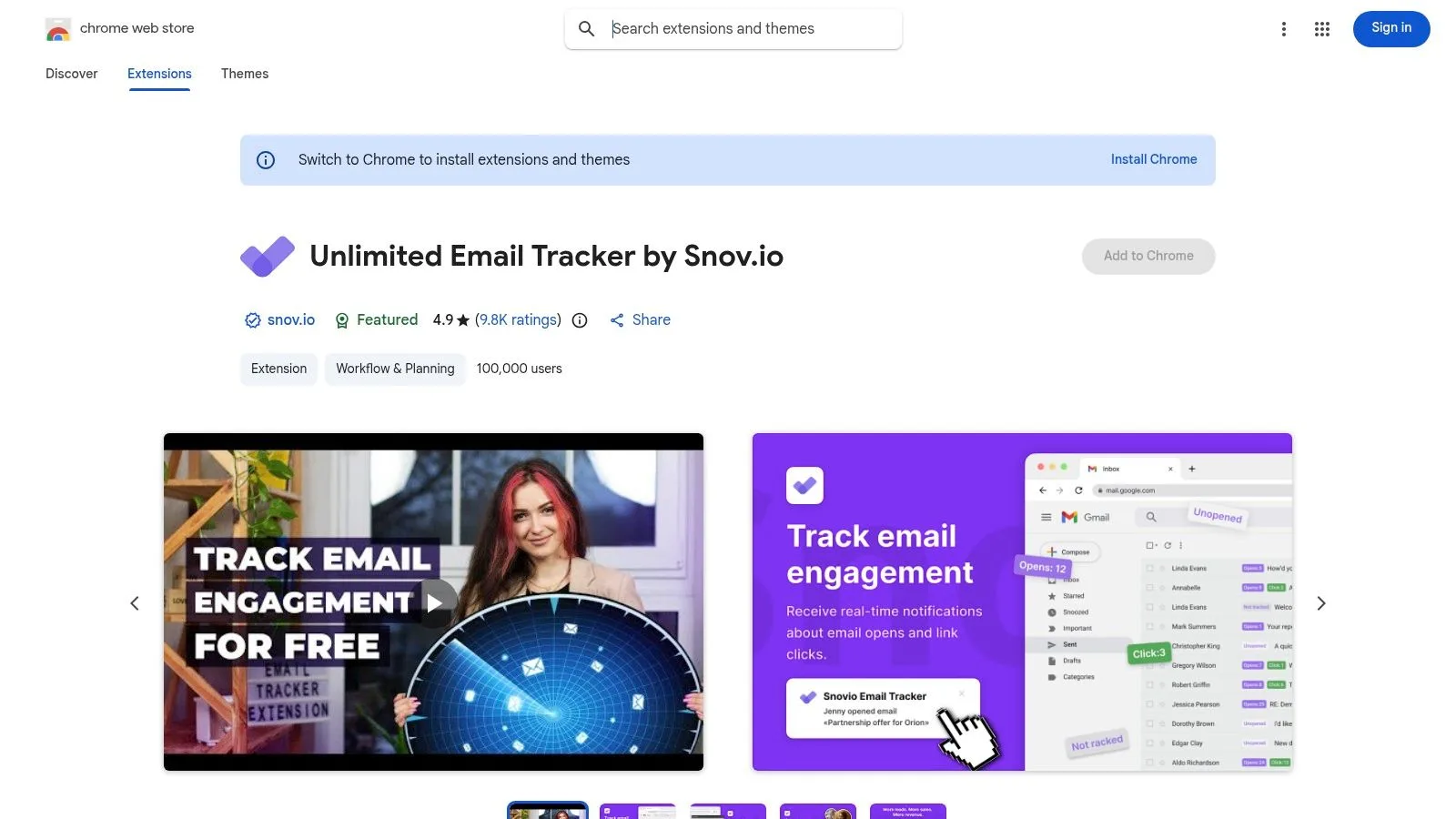
Snov.io Unlimited Email Tracker is aimed at Gmail users who want open and click tracking with a light footprint. The Chrome extension provides notifications, per-message statistics, send-later controls, reminders, multi-account support, and daily or weekly tracking reports.
Its main distinction is the combination of free, unlimited tracking and a connection to the broader Snov.io sales suite. Users can start with the tracker, then consider paid outreach tools later if their process expands. That creates an easier entry point than adopting a full sales platform on day one.
Lightweight now, broader later
Snov.io fits a user who wants more than a single open indicator but less than a complete sequence and CRM environment. The extension itself doesn’t provide deep sequence or CRM functionality. Those capabilities live in separate paid Snov.io plans, so users should treat the tracker as an entry point rather than a complete sales system.
The free unlimited model can be attractive for individual outreach, recruiting, and small-business follow-up. Still, the same tracking caveat applies across this category. An event depends on technical behavior in the recipient’s email client, and an open signal should inform timing rather than serve as conclusive proof of attention.
Its strongest competitive position is therefore practical. It offers a low-commitment way to add tracking, with an optional route into a larger sales workflow when the user’s needs become more complex.
Top 10 Gmail Extensions, Feature Comparison
| Product | Core features | UX & quality | Price & value | Target & USP |
|---|---|---|---|---|
| 🏆 Mail Tracker for Gmail | Real‑time read receipts, double‑check marks, open counts, push alerts | Native Gmail UI; fast setup; 4.6/5 ★★★★☆ | Free unlimited; Premium ~$2.99/mo or Lifetime $99.99 💰 | 👥 Sales reps, recruiters, freelancers; ✨ Invisible tracker (Premium), GDPR controls, in‑Gmail workflow |
| Yesware for Gmail | Open & link tracking, templates, meeting links, CRM sync | Gmail sidebar; mature experience; ★★★★☆ | Free tier; advanced features on paid plans 💰 | 👥 Individual sellers & sales teams; ✨ CRM sync, team/admin controls |
| Mixmax for Gmail | Real‑time tracking, sequences, scheduling, AI Copilots | Polished Gmail UI; deep integration; ★★★★☆ | Modular pricing; higher tiers costlier 💰 | 👥 Teams & power users; ✨ AI Copilots, modular add‑ons |
| Streak CRM for Gmail | Pipelines, mail merge, email tracking, shared inbox | CRM inside Gmail; intuitive for pipelines; ★★★★☆ | Free base; Pro+ trial; per‑seat pricing 💰 | 👥 Teams needing in‑Gmail CRM; ✨ Shared pipelines & mail merge |
| HubSpot Sales (Gmail) | CRM sidebar, tracking, templates, meeting scheduler | Generous free features; enterprise path; ★★★★☆ | Free extension; paid Sales Hub seats for advanced features 💰 | 👥 Businesses standardizing on HubSpot; ✨ Tight HubSpot ecosystem |
| Right Inbox for Gmail | Tracking, sequences, mail merge, reminders, send‑later | Approachable, cross‑browser; quick to learn; ★★★★☆ | Budget‑friendly tiers; free tier available 💰 | 👥 Individuals & SMBs; ✨ Simple setup, multi‑browser support |
| Boomerang for Gmail | Send‑later, recurring, follow‑up reminders, basic tracking | Longstanding stability; good scheduling UX; ★★★★☆ | Free/basic; Pro for advanced features 💰 | 👥 Individuals focused on productivity; ✨ Inbox Pause, Respondable AI |
| GMass | Mail merge, open/click tracking, A/B testing, deliverability tools | Built for scale; robust for cold outreach; ★★★★☆ | Clear tiers; designed for volume users 💰 | 👥 Marketers & outreach teams; ✨ Google Sheets merge, deliverability controls |
| Gmelius | Shared inboxes, automation, SLA analytics, AI assistants | Strong team collaboration; Gmail‑native; ★★★★☆ | Tiered plans; enterprise quotes for large teams 💰 | 👥 Support/CS/ops teams; ✨ Shared inbox + automation + SLA analytics |
| Snov.io Unlimited Email Tracker | Unlimited open & click tracking, notifications, per‑message stats | Light footprint; free unlimited tracking; ★★★★☆ | Free unlimited tracker; paid for full Snov.io suite 💰 | 👥 Users needing free unlimited tracking; ✨ Truly free unlimited tracking |
Choose by Workflow, Then Review Permissions
Start with the job you need to solve. If you want focused, native read visibility, choose Mail Tracker for Gmail. It keeps double checkmarks, open counts, timestamps, and notifications inside Gmail without forcing you to adopt a CRM or sales dashboard. That makes it the most direct option for sales representatives, recruiters, freelancers, consultants, and small-business owners who need to decide when to follow up.
Choose Yesware, Mixmax, GMass, or Snov.io when outreach is the main workflow. Yesware balances tracking, templates, meeting links, and CRM synchronization. Mixmax is better suited to teams that need sequences, scheduling, Copilots, and administrative governance. GMass fits spreadsheet-driven mail merge and campaign controls. Snov.io works well when you want a lightweight tracker first and a possible path into broader sales tools later.
Use Streak or HubSpot when CRM context matters. Streak keeps pipelines and shared contact context in Gmail, while HubSpot makes Gmail a doorway into a larger CRM ecosystem. Both introduce more structure than a basic tracker, but that structure is justified when ownership, activity history, contact records, and reporting are part of the daily process.
For individual productivity, compare Right Inbox and Boomerang. Right Inbox combines tracking with sequences, reminders, recurring messages, and send-later tools. Boomerang emphasizes timing, follow-up control, Inbox Pause, and personal workload management. For collaborative inbox operations, choose Gmelius, especially when shared ownership, routing, automation, and SLA analytics matter more than individual open notifications.
Installation deserves the same care as selection. Use the official Chrome extension or Google Workspace Marketplace listing, review the Gmail authorization request, configure desktop and mobile notifications, and send a small test email before rolling the tool out to a team. Google says Marketplace apps are reviewed against safety, content, and style guidelines, but publication review doesn’t remove the need for your own permission assessment. Google also says apps requesting broad or privileged access, including access to all Gmail messages, must pass a security assessment renewed annually, so permission scope remains a meaningful buying criterion.
Privacy risks deserve particular attention because browser extensions can read page content, inject scripts, and access email or internal systems. Independent reporting in 2026 found that 52% of reviewed AI-powered Chrome extensions collected at least one type of user data, 29% collected personally identifiable information, and all reviewed extensions required some permissions. Separate reporting described campaigns involving 108 malicious Chrome extensions and another cluster of 32 add-ons marketed as AI assistants or Gmail helpers that siphoned sensitive data. These figures come from the cited reporting, and they reinforce a practical rule: install from official listings, verify the publisher, review permissions, and remove tools that request access unrelated to the Gmail task.
Permission test: If a tracker needs access to more data than its stated workflow requires, pause the rollout and ask why.
Finally, don’t treat an open notification as a guaranteed reading confirmation. Image loading behavior can affect whether an event registers, and privacy-conscious recipients or email clients may limit tracking. Explain tracking to recipients where appropriate, avoid making decisions from one signal alone, and reassess extensions that add complexity without improving your process.
Mail Tracker for Gmail offers native read receipts, real-time open notifications, double checkmarks, timestamps, and mobile support without requiring a separate dashboard. If focused Gmail visibility is the right fit for your workflow, visit Mail Tracker for Gmail and evaluate the extension before adding a heavier sales or CRM layer.
Ready to track your emails?
Add Mail Track for Gmail from the Google Workspace Marketplace and know the moment your emails are opened. Free and unlimited.
Add to GmailMore reading
More from Comparisons

Gmail Blind Copy: What It Is and How to Use It Well
Learn how Gmail blind copy works, how to send BCC on web and mobile, etiquette rules, privacy trade-offs, and best practices for outreach workflows.

How to Send an Email to Multiple Recipients in Gmail
Learn how to send an email to multiple recipients in Gmail on web and mobile. Master To, Cc, and Bcc, personalize at scale, and track opens.
Free Email Trackers for Gmail: What to Expect and What to Avoid
Most free email trackers cap your opens, show ads, or leak data. Here is what a good free tracker delivers, and why Mail Track for Gmail stays free.