Mail Tracker for Gmail
Guides

Email Open Rates: A Realistic Guide for 2026

Unlock the truth about email open rates. Learn how they're tracked, why they're flawed, and how to use them effectively for sales and marketing in 2026.

MT
Mail Track for Gmail Team
#email open rates#email tracking#gmail tracker#sales outreach#email marketing
Email Open Rates: A Realistic Guide for 2026

Most advice on email open rates is too confident. One camp says you should chase higher opens at all costs. The other says open tracking is dead and you should ignore it. Both positions miss how teams use email in 2026.

Open rates are flawed. They’re also still useful.

If you run newsletter programs, open data is now a rough signal that needs context. If you work in sales, recruiting, client services, or founder-led outreach, a single open can still tell you something important: your message likely reached attention, and timing now matters. The mistake is treating opens as proof of reading, buying intent, or campaign success.

A realistic approach works better. Use open rates to spot patterns. Use stronger engagement metrics to judge quality. And in one-to-one workflows, use real-time open signals to decide when to follow up.

Why Email Open Rates Are So Confusing Now

The confusion starts with a bad assumption: if an email platform shows an open, a person must have opened and read the message. That used to be a cleaner proxy. It isn’t anymore.

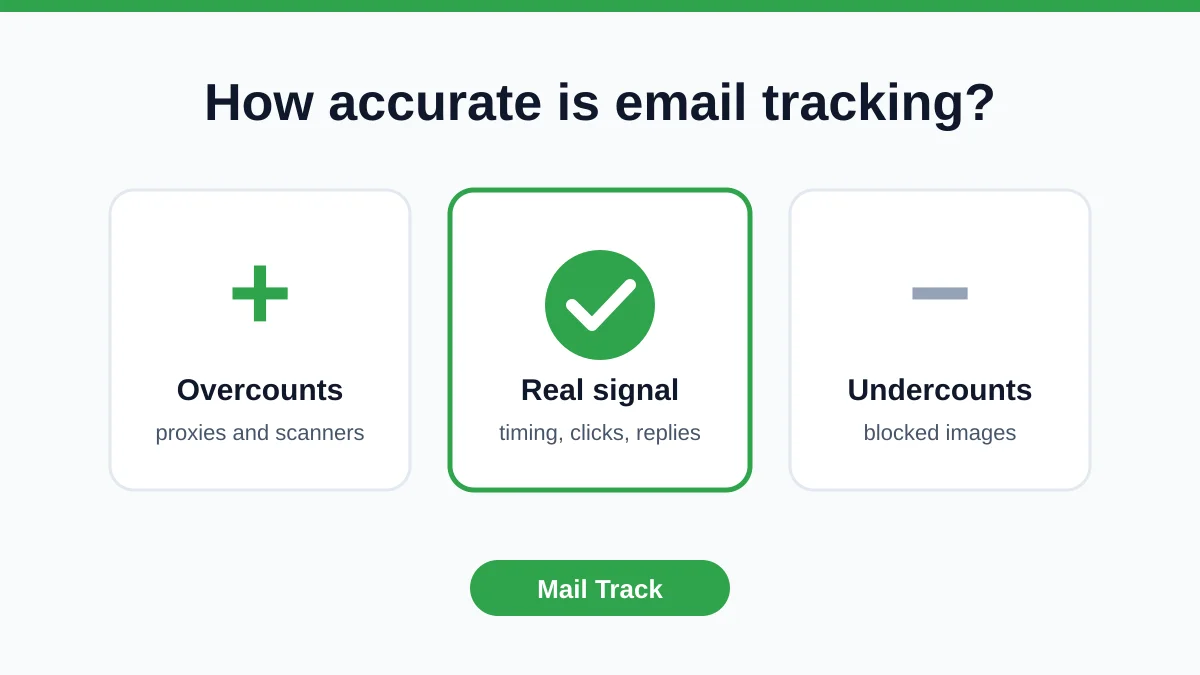
Privacy features changed the math. Some mailbox providers and email apps preload images or protect user activity in ways that can register an open without a true read. Others block images, which can hide a real open from your tracker. That means the same metric can be inflated for one audience and undercounted for another.

The result is messy. A team sees a healthy open rate and assumes subject lines are working, while clicks and replies stay flat. Another team sees opens drop sharply and thinks content got worse, when the issue is authentication, inbox placement, or a platform-level tracking change.

Open rates still have value. They just don’t deserve blind trust.

That’s why blanket advice fails. Telling everyone to “get above 40%” doesn’t help a recruiter sending targeted Gmail outreach, and it doesn’t help a lifecycle marketer comparing broadcast campaigns to behavior-based emails. Context matters more than the raw number.

A better question is simple: what decision are you trying to make? If you’re checking whether a list is generally responsive, open rates can point you in the right direction. If you’re judging message quality or revenue impact, you need deeper signals. If you’re deciding whether to call a prospect right now, a live open notification can still be very practical.

How Email Open Tracking Actually Works

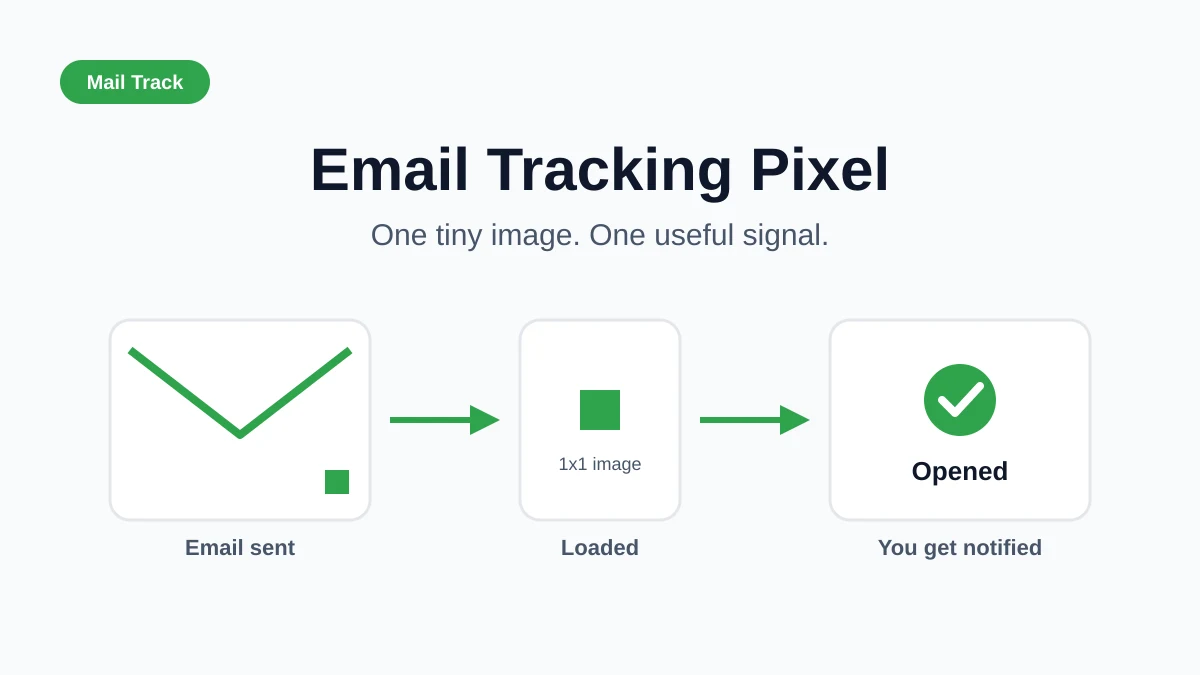
Email open tracking is basically an invisible image-based read receipt. When you send a tracked email, the system places a tiny hidden image in the message. If the recipient’s email client loads that image, the tracking server logs an open.

An infographic illustrating the five-step process of how email open tracking technology functions using hidden pixels.

The five-step mechanics

  1. Email is sent. Your message includes a hidden tracking pixel.
  2. The recipient opens the email client. If images load, the pixel tries to load too.
  3. A server request fires. That request tells the tracking platform the pixel was accessed.
  4. The event is logged. The platform records the open against that message.
  5. The data appears in your dashboard or inbox. Some tools also show timestamps or notifications.

That’s the core mechanism. It’s simple, which is why it became the standard. It also means the whole system depends on image loading behavior that the sender doesn’t control.

The formula people often get wrong

Open rate = (Unique Opens ÷ Delivered Emails) × 100, not opens divided by sent emails. Using delivered emails removes bounces and invalid addresses, which makes the metric cleaner. That formula and the note about Apple Mail Privacy Protection inflating opens through automatic pixel preloading are covered in MoEngage’s explanation of average email open rate metrics.

A lot of teams still compare opens against sends in spreadsheets. That creates false underperformance and makes campaign comparisons harder than they need to be.

Practical rule: If your denominator is wrong, every conclusion after that is suspect.

Why setup details matter

The tracking event itself is only one layer. The reporting layer matters too. Gmail-based users often want tracking to appear where they already work, not in a separate dashboard they rarely open. That’s why inbox-native tools are easier to operationalize for one-to-one outreach.

If you want a deeper walkthrough of using tracking inside Gmail workflows, this guide on effective Mailtrack for Gmail usage is useful.

For teams that audit message rendering, templates, and on-page behavior at scale, even infrastructure tools can help. A good website scraping api can support content QA and competitive monitoring around email landing pages, which matters because a strong subject line means little if the click lands on a broken experience.

The Truth About Open Rate Accuracy in 2026

The biggest mistake in 2026 is treating open data as literal truth. It isn’t. It’s a technical signal produced by mailbox behavior, image handling, and tracking infrastructure. Sometimes that signal reflects a real human open. Sometimes it reflects a privacy system doing its job.

An infographic comparing the pros and cons of measuring email open rates in 2026 for businesses.

Why reported opens can be wrong

Some email clients automatically fetch images. Some block them. Some security systems inspect content before a human sees it. Those behaviors create false positives and false negatives.

The broader issue is now well established. Open rates are a flawed metric in 2026 because Google’s Protected Mode and image-blocking can artificially inflate opens without actual user reading, making opens a weak proxy for true engagement compared with click-through behavior, as noted in this analysis of email open rate accuracy.

That doesn’t make the metric useless. It means you have to stop asking it to do jobs it can’t do.

What a sudden drop usually means

A sudden decline in opens isn’t always a content problem. In practice, I’d investigate three buckets first:

  • Deliverability issues: Authentication failures or weaker sender reputation can push mail into spam or secondary tabs.
  • Tracking changes: A new platform, mailbox behavior shift, or measurement difference can change reported opens even if audience interest hasn’t changed.
  • Audience mix: If you changed list quality, segment composition, or email type, your baseline changed too.

Recent discussion around sudden drops has focused on technical causes such as Gmail and Yahoo tightening authentication expectations in 2024, along with tracking differences and protected-mode behavior that can blur true opens. That’s summarized in Maropost’s discussion of open rate drops and modern causes.

How to tell artifact from real engagement trouble

Look sideways, not just at opens alone.

SignalLikely interpretation
Opens down, replies and clicks steadyTracking artifact is possible
Opens up, clicks flatInflation is possible
Opens down, clicks down, replies downReal inbox or relevance problem is more likely
Opens stable, conversions weakSubject line may be winning while email content underperforms

This short explainer gives a decent visual overview before you diagnose your own data:

What to trust more

If you need a directional inbox-health metric, open rates still help. If you need a quality metric, clicks, replies, and conversions matter more. For one-to-one outreach, sequence timing also matters. A live open event can be actionable even when aggregate open percentages are noisy.

Don’t ask open data to prove intent. Ask it to suggest where attention might be.

That shift solves most of the confusion. The metric didn’t disappear. Its role got narrower.

Industry Benchmarks for Email Open Rates

Benchmarks still matter, but only when you compare like with like. A welcome email, a broadcast newsletter, and a one-to-one recruiting note don’t behave the same way. The number only becomes useful when you match it to email type, audience relationship, and inbox environment.

In 2025, the average email open rate across all industries reached 43.46%, while B2B came in at 39.5%. An open rate above 30% is considered solid, and 45% to 50% is strong, based on MailerLite’s benchmark dataset of over 3.6 million campaigns.

Email open rate benchmarks by type and industry in 2026

Email Type / IndustryAverage Open Rate
All industries in 2025 benchmark data43.46%
B2B in 2025 benchmark data39.5%
Marketing campaigns across all industries in 202628.6%
Standard email campaigns in 2026 adjusted for Apple MPP21% to 25%
Welcome emails as of 202683.6%
Behavior-based emailsup to 42.36%
Broadcast emails14.5% to 26.9%
B2B services18% to 22%
Retail and e-commerce16% to 20%
Nonprofits20% to 25%
SaaS companies25% to 28%

Why the ranges vary so much

Welcome emails sit in their own category because intent is highest right after signup. The recipient just took an action, expects a response, and has fresh context. That’s why welcome emails post an 83.6% average open rate and a 16.60% click-through rate, with ROI exceeding 240%, according to CodeCrew’s email marketing statistics roundup.

Behavior-based emails also outperform generic blasts because timing and relevance are stronger. By contrast, broadcast emails usually lag because they’re broader and easier to ignore. The same pattern holds across industries. Nonprofits and niche B2B audiences often do better because trust and interest are already established. Retail campaigns often face heavier inbox competition.

A second reason the benchmarks look inconsistent is methodology. Some datasets report unadjusted opens. Others adjust for privacy effects. Some focus on all campaigns. Others isolate marketing sends. That’s why 28.6% can be a valid marketing benchmark in one 2026 source while 43.46% is a valid all-industry benchmark from a different 2025 dataset. They aren’t contradicting each other. They’re measuring different slices of the market.

5 Proven Ways to Increase Email Opens

Higher open rates usually come from boring discipline, not clever tricks. Better targeting, better list management, better timing, and a sender identity people recognize do more for opens than any one subject line formula.

An infographic illustrating five proven strategies for improving email open rates, featuring simple icons for each point.

Open rates are also a noisy metric now, so the goal is not to inflate them at all costs. The goal is to improve the odds that relevant people see and open messages that matter. That distinction matters in both marketing sends and one-to-one outreach.

1. Protect inbox placement before you touch creative

If mail goes to spam or promotions, the subject line is not the first problem.

Protect sender reputation with the basics: authenticated sending, consistent volume, suppression of bounced or inactive contacts, and list sources you can defend. Teams often blame weak opens on copy when in fact the issue is that too many messages are never getting a fair shot in the primary inbox.

2. Segment first, then write

Relevance raises opens. Broad sends lower them.

Campaign Monitor recommends regular list cleaning because inactive subscribers and invalid addresses hurt performance over time, and their guidance on email list hygiene and segmentation aligns with what operators see in practice. A smaller list of people who still fit the message usually outperforms a bigger list padded with stale contacts.

If the audience is wrong, the open-rate problem started before the email was drafted.

For sales and recruiting teams, this usually means splitting by stage, intent, geography, role, or recent activity. For newsletter and lifecycle teams, it often means separating new subscribers, engaged readers, customers, and dormant segments instead of treating them as one audience.

3. Write the subject line and preheader as a pair

The subject line has one job: make the message legible at a glance. Clear beats clever in almost every professional context.

Strong subject lines usually do one of three things:

  • reference a recent action
  • name a concrete topic
  • signal a useful outcome

The preheader should support that promise, not waste space with “view in browser” filler. On mobile, the recipient often sees both together, and that combined preview determines whether the email gets attention or gets skipped.

4. Send when context is still fresh

Timing works best when it follows intent. A follow-up sent after a demo request, interview step, proposal share, or content download has built-in context that a batch send on Thursday afternoon does not.

That does not mean there is one universal best time to send. It means teams should match send timing to the action that created interest in the first place. If you want practical examples of how campaign teams test send variables, audience splits, and sequence structure, Narrareach’s email test findings are a useful reference.

5. Optimize for mobile scanning and follow-through

Many recipients decide in seconds. A recognizable sender name, a readable subject line, and useful first lines matter more than heavy formatting.

This is one of the easier trade-offs to miss. Marketers sometimes add design flourishes that look polished on desktop but bury the point on a phone. Sales reps do the same thing with long intros. Shorter, clearer, easier-to-scan emails tend to get opened and processed more often.

If opens are happening but replies are weak, the bottleneck may be the sequence rather than the first send. This guide on follow-up email after no response is a practical next step for improving that part of the workflow.

What usually underperforms

TacticWhy it underperforms
Clickbait subject linesThey can lift opens briefly, then reduce trust and hurt reply quality
One message for every contactRelevance drops, and so does inbox engagement
Overreacting to one campaignOpen data is noisy, especially after privacy changes
Skipping list hygieneBounces, inactive contacts, and poor engagement weaken deliverability
Treating opens as the end goalYou can raise opens without improving clicks, replies, meetings, or revenue

Using Open Data in Sales and Recruiting Workflows

Open rate averages do not help much when a rep is waiting on a proposal or a recruiter is trying to restart a stalled thread. In these workflows, the better question is narrower and more useful: did this person open this message, and did they open it at a time that should change my next step?

That is why inbox-level tracking still has a place in 2026, even with privacy noise in the data. In one-to-one outreach, opens are rarely a verdict on interest. They are a timing cue. Used that way, they can improve follow-up quality without turning the metric into a fantasy.

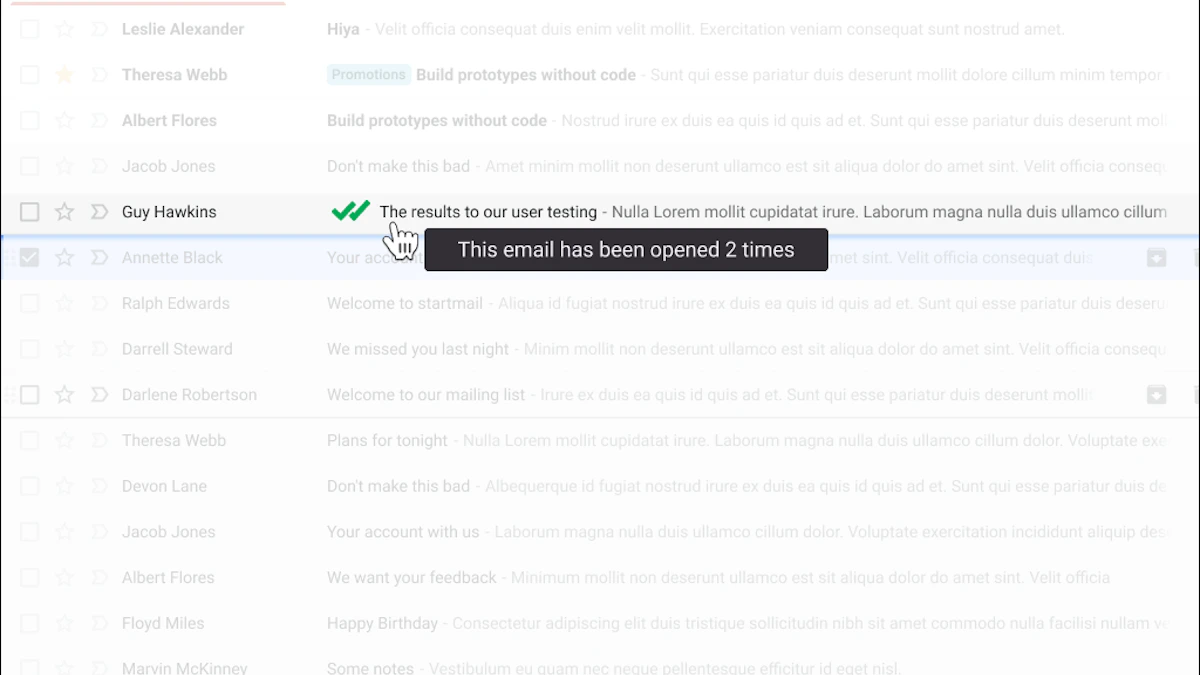
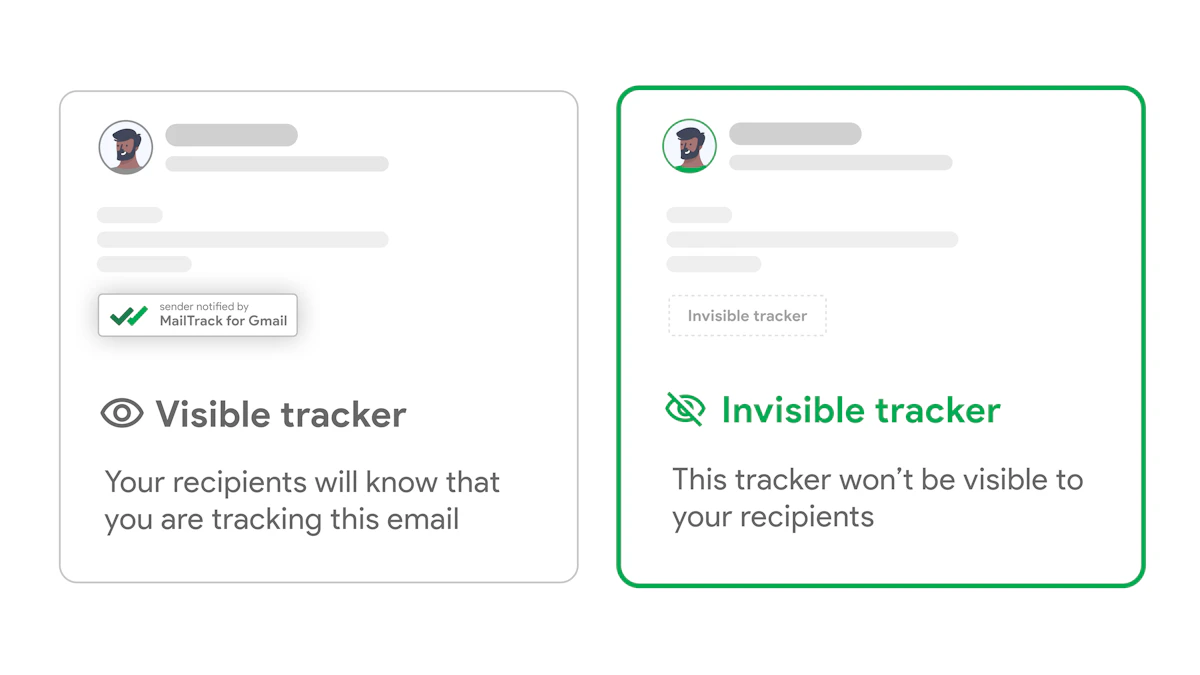
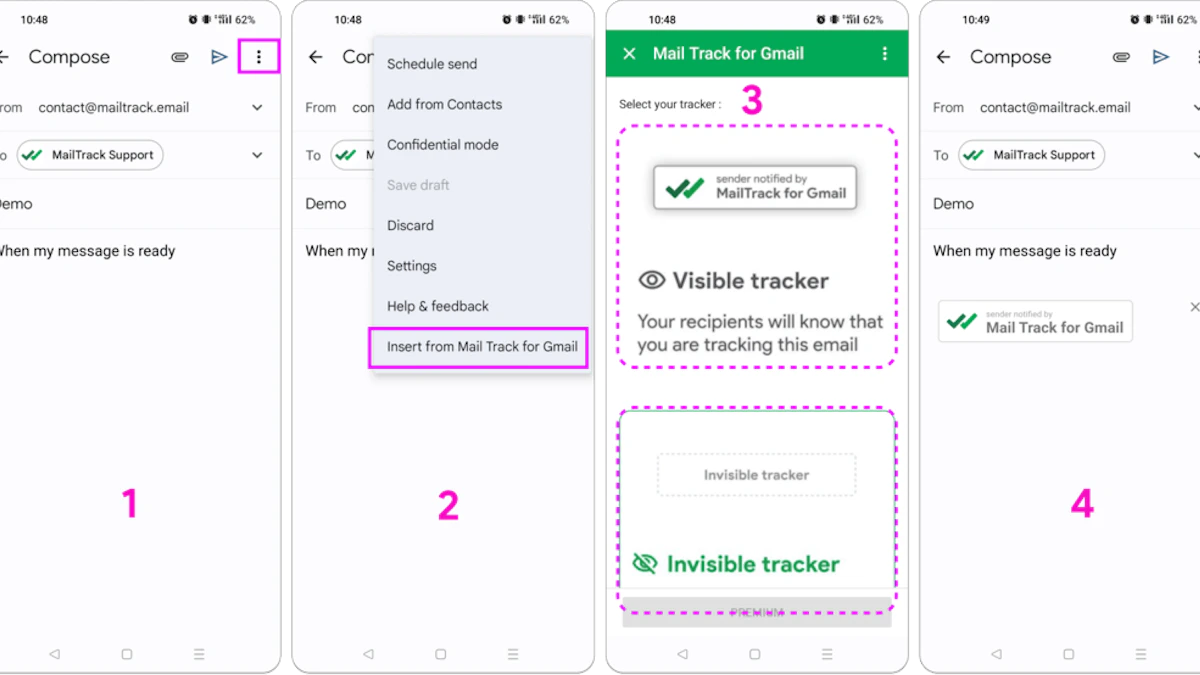
That practical difference matters for Gmail users. Reps and recruiters usually do not want another dashboard to monitor all day. They want read receipts and open activity where they already send email. Mail Tracker for Gmail refers to the product, while mail tracker for gmail or email tracker for gmail describes the broader category.

Screenshot from https://mailtrack.email

What the signal is good for

In sales and recruiting, open data helps teams make better judgment calls in the moment:

  • A prospect opens a pricing email. Stay available and review the account before reaching out. The open alone does not mean the deal is ready.
  • A candidate reopens an outreach note. A short follow-up may make sense while your message is still fresh in their inbox.
  • A client opens a proposal several times. That often suggests internal forwarding or review, which should change the tone and timing of the next touch.

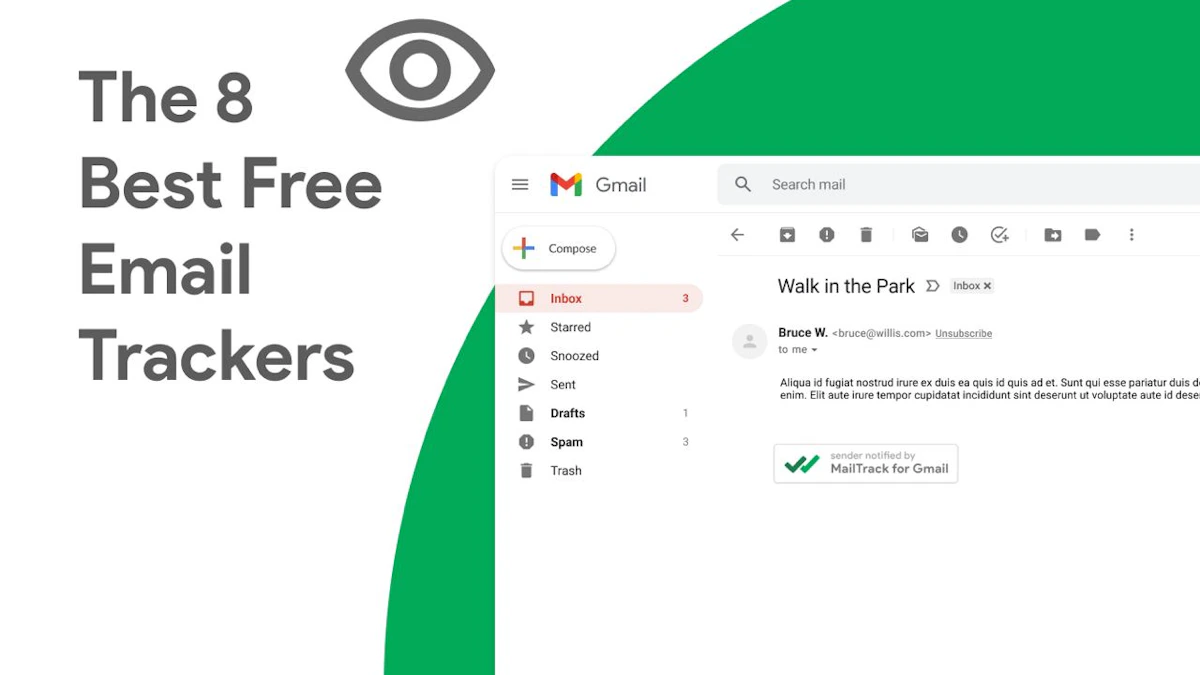
For Gmail-based teams, tools in this category surface those signals inside the inbox through check marks, timestamps, open counts, and alerts. Mail Tracker for Gmail is one option that works inside Gmail on web and mobile, with message-level tracking and real-time notifications tied to the existing workflow.

Why timing matters more than the percentage

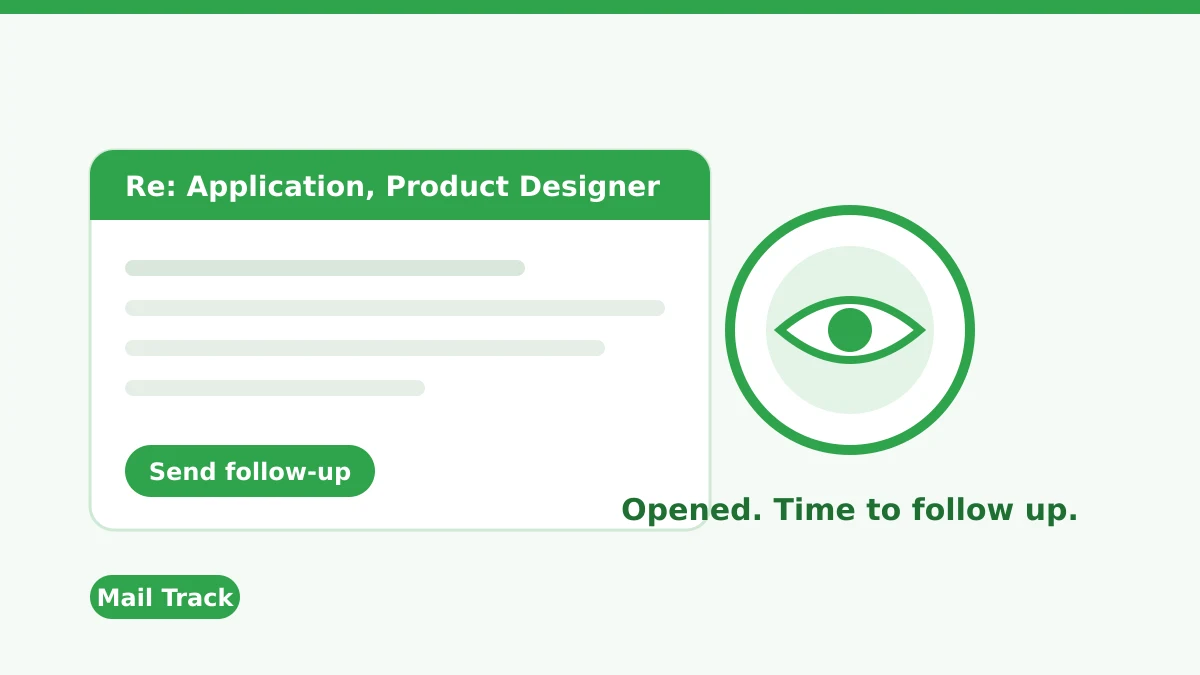
The operational value is speed. A live open alert gives a rep or recruiter a reason to check context, prepare a concise follow-up, and respond while the thread still has attention.

That does not mean firing off a message every time someone opens. It means using the signal with restraint. If the account is active, the email is important, and the timing lines up with the stage of the conversation, quick follow-up can be useful. If the message is cold, ambiguous, or likely affected by privacy prefetching, waiting for a stronger signal is the better call.

I usually coach teams to treat open data like intent smoke, not intent fire. It can point you toward the right moment, but it should be confirmed with other context such as prior replies, meeting history, click activity, or the importance of the document sent.

If you want a practical example of how reps use that signal inside Gmail, this guide to real-time email tracking for Gmail in sales workflows shows how teams apply open alerts without overreading them.

Moving Beyond Open Rates to True Engagement

The practical stance is straightforward. Email open rates are a directional metric, not a verdict. They can help you spot trends, compare broad performance, and trigger timely follow-up in one-to-one outreach. They can’t reliably prove attention, interest, or message quality on their own.

That’s why strong teams widen the lens. They look at clicks when content depth matters. They look at replies when conversations matter. They look at conversions when business impact matters. Open data still belongs in the picture, just not in the center of it.

If you remember one rule, make it this: use opens for context, not certainty.

That mindset keeps you out of two common traps. The first is dismissing open tracking completely and losing a useful signal. The second is worshipping a noisy metric and optimizing for the wrong outcome. Better email programs, and better sales workflows, sit in the middle. They treat open rates as one clue among several and judge success by real engagement.


If you send important emails from Gmail and want read receipts, open timestamps, and real-time alerts without leaving your inbox, Mail Tracker for Gmail is built for that workflow. It adds tracking directly inside Gmail on web and mobile, which makes open data easier to use when timing matters.

Ready to track your emails?

Add Mail Track for Gmail from the Google Workspace Marketplace and know the moment your emails are opened. Free and unlimited.

Add to Gmail